
Dashboard
Designed for new users who don't know the app yet. The interface is built in steps that show users how to get it running.
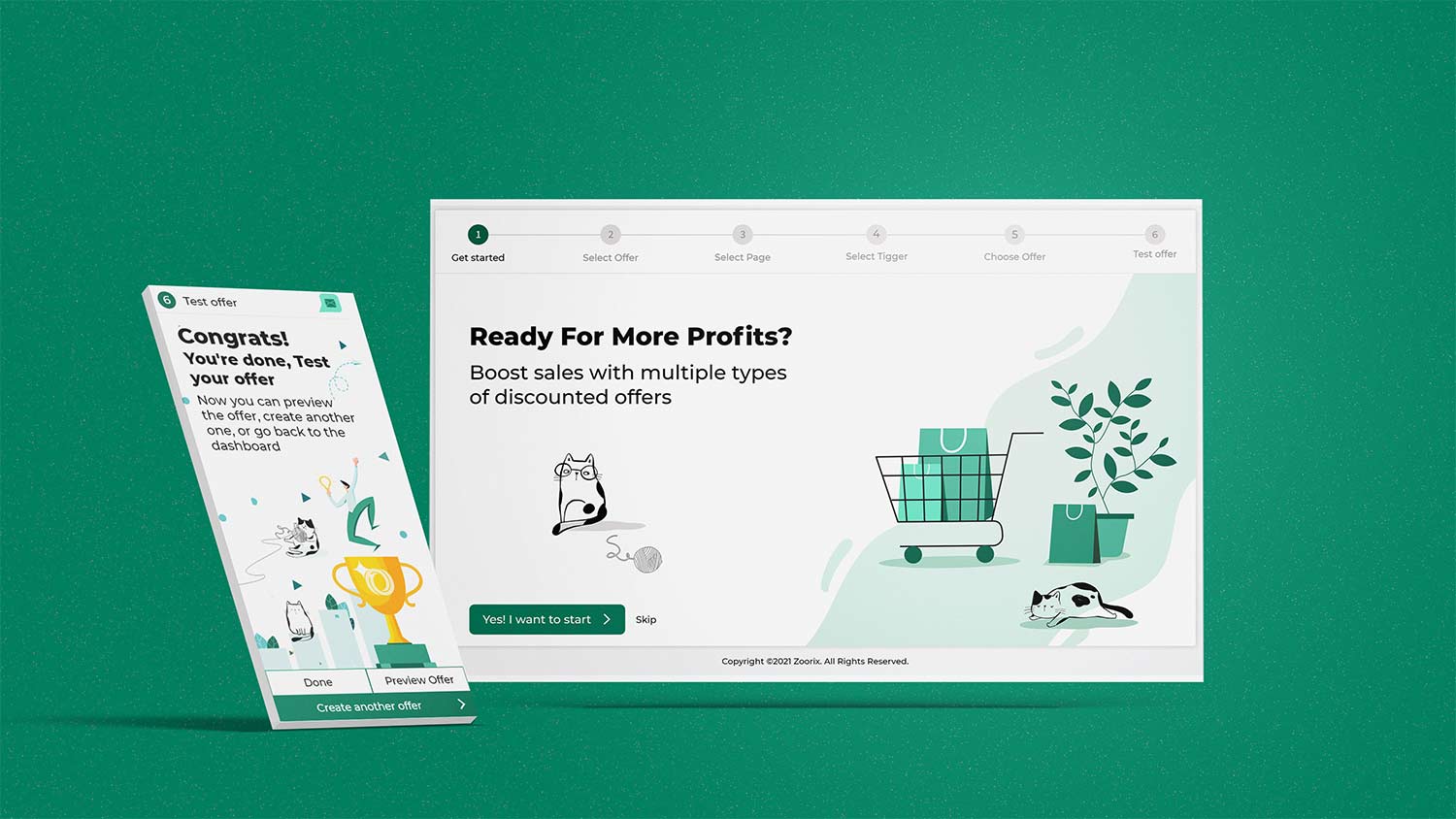
An interface built in steps that show new users how to get the app up and running.
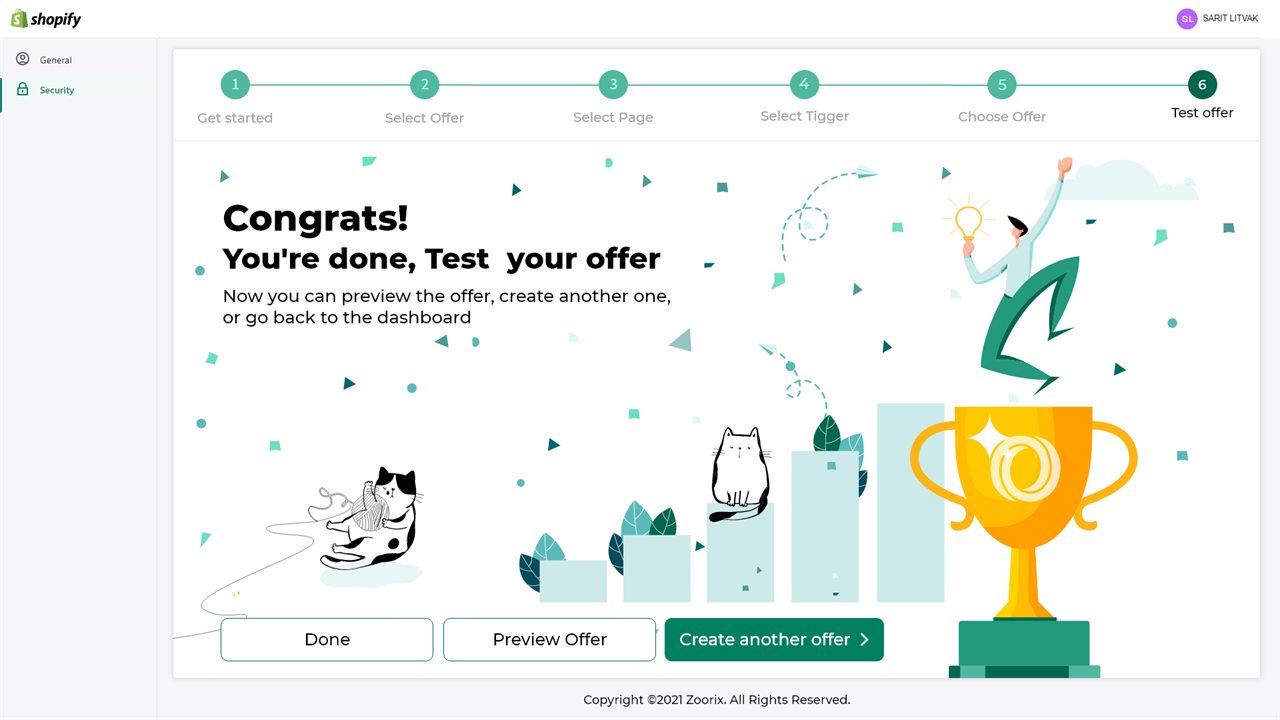
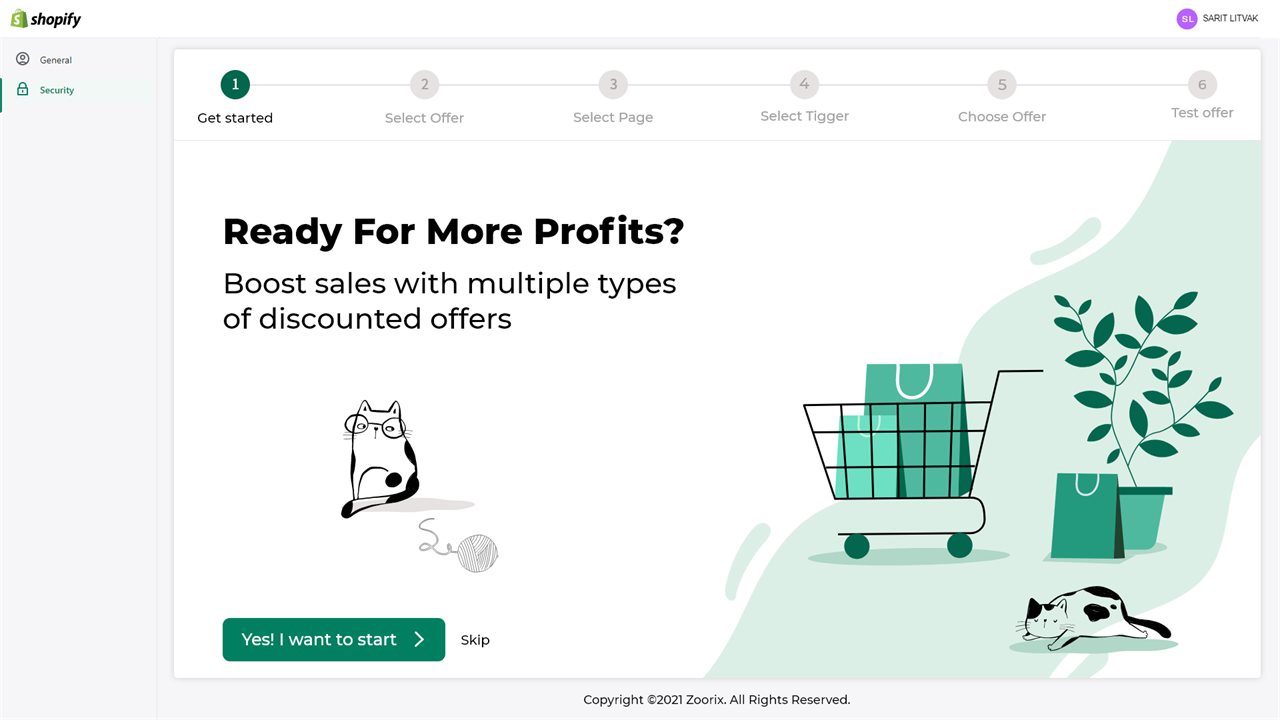
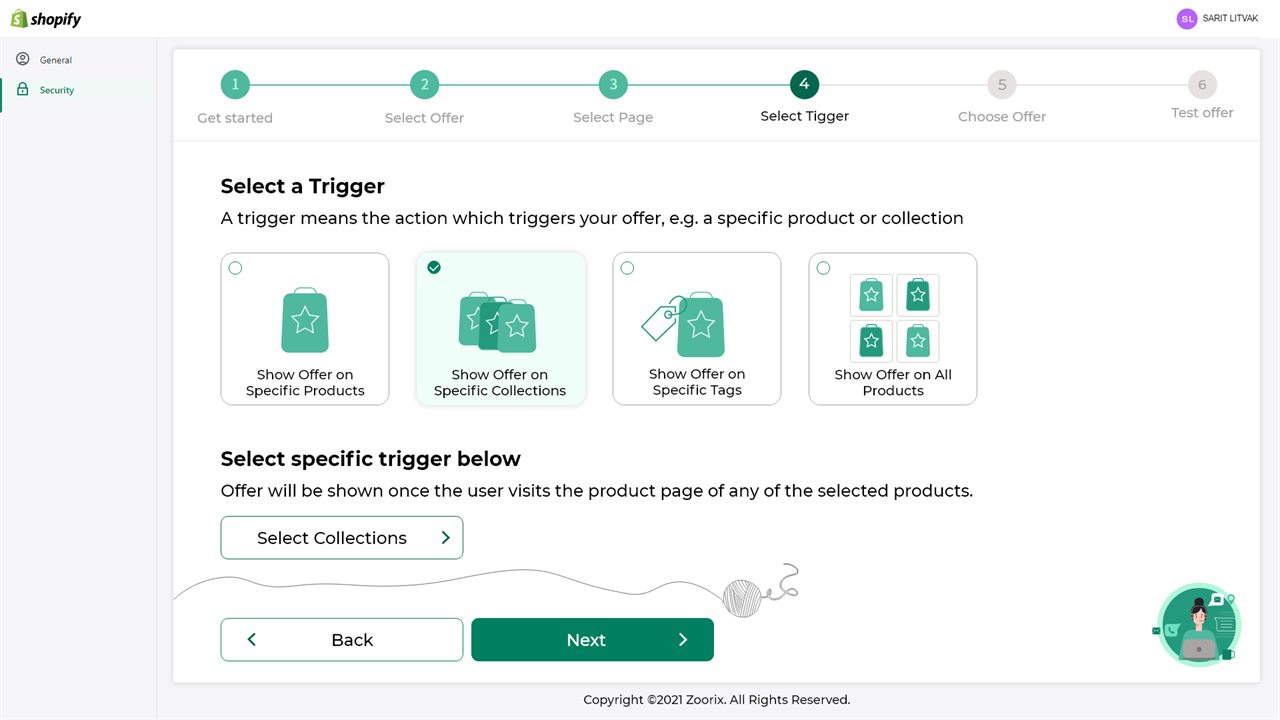

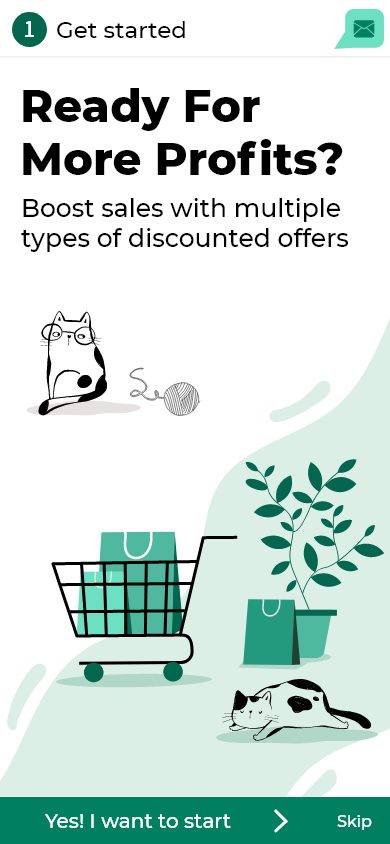
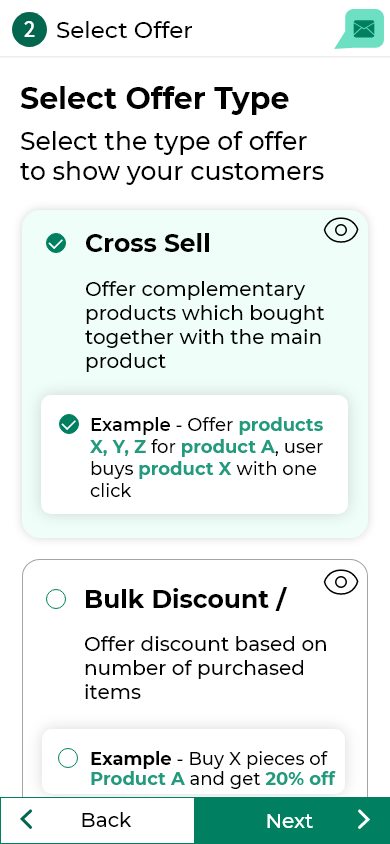


Designed for new users who don't know the app yet. The interface is built in steps that show users how to get it running.
Three screens that take a new user from installation to choosing a plan, with every step explaining itself.
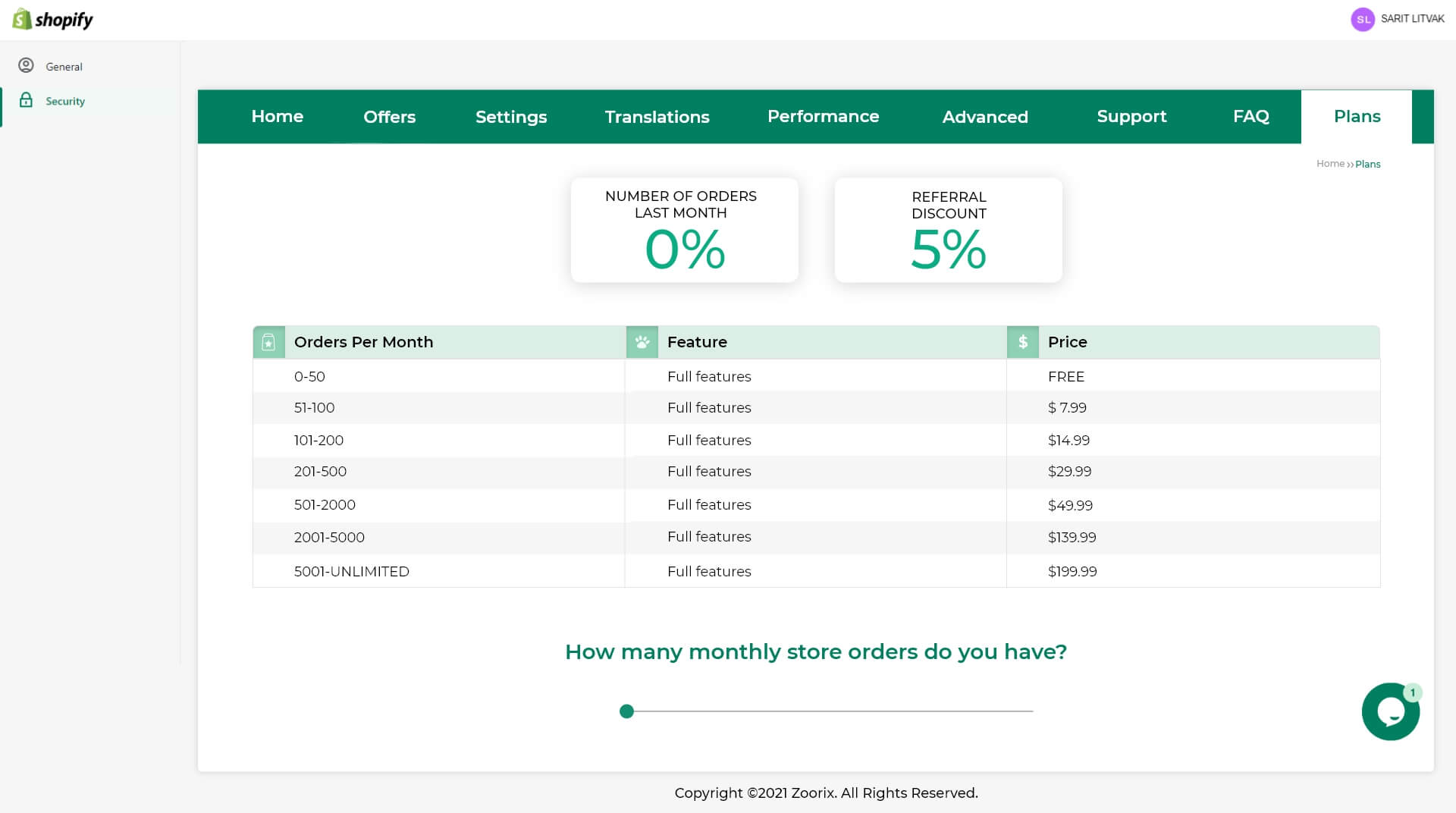
Zoorix is a Shopify app that grows the average cart. It adds smart sales widgets to the store, and the store owner manages them all from a single dashboard inside Shopify.
Nine tabs, each with one clear job. Every screen was designed for both desktop and mobile.
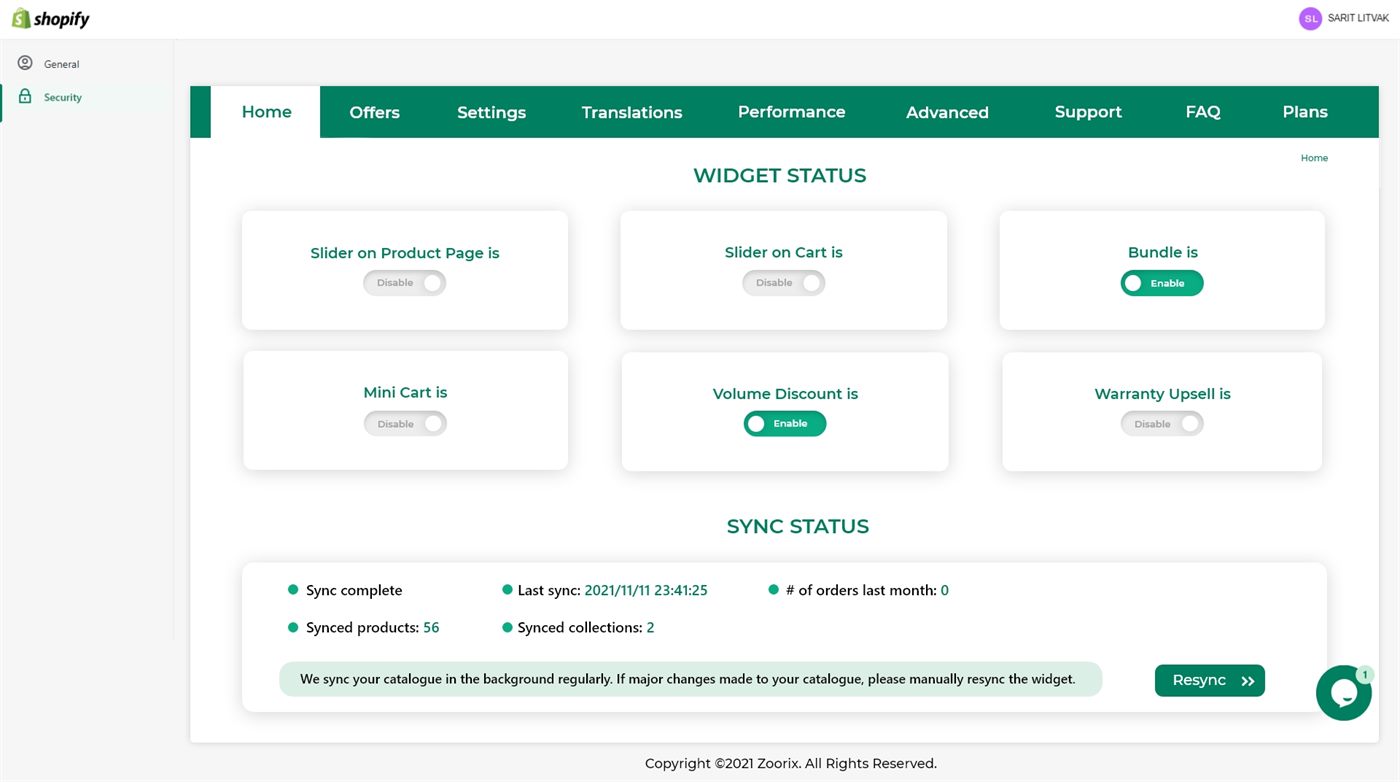
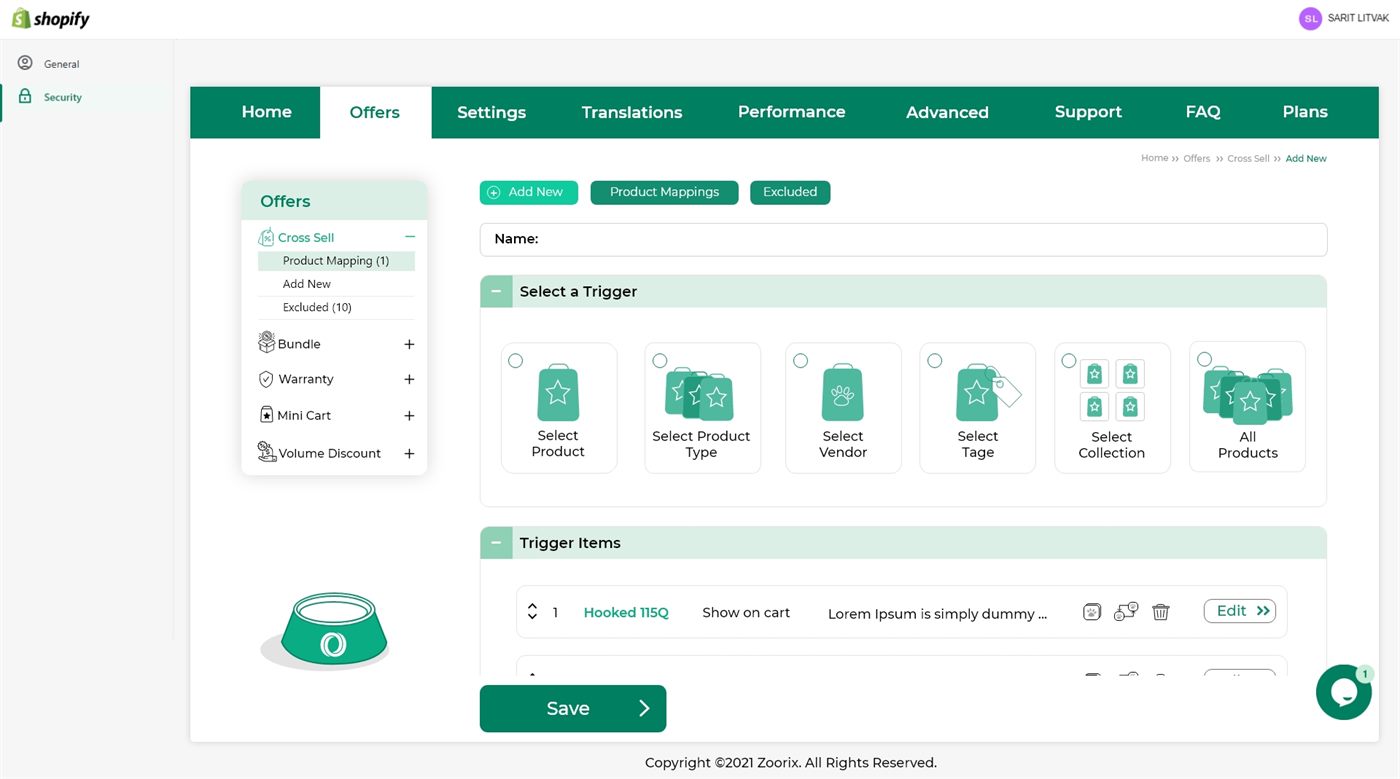
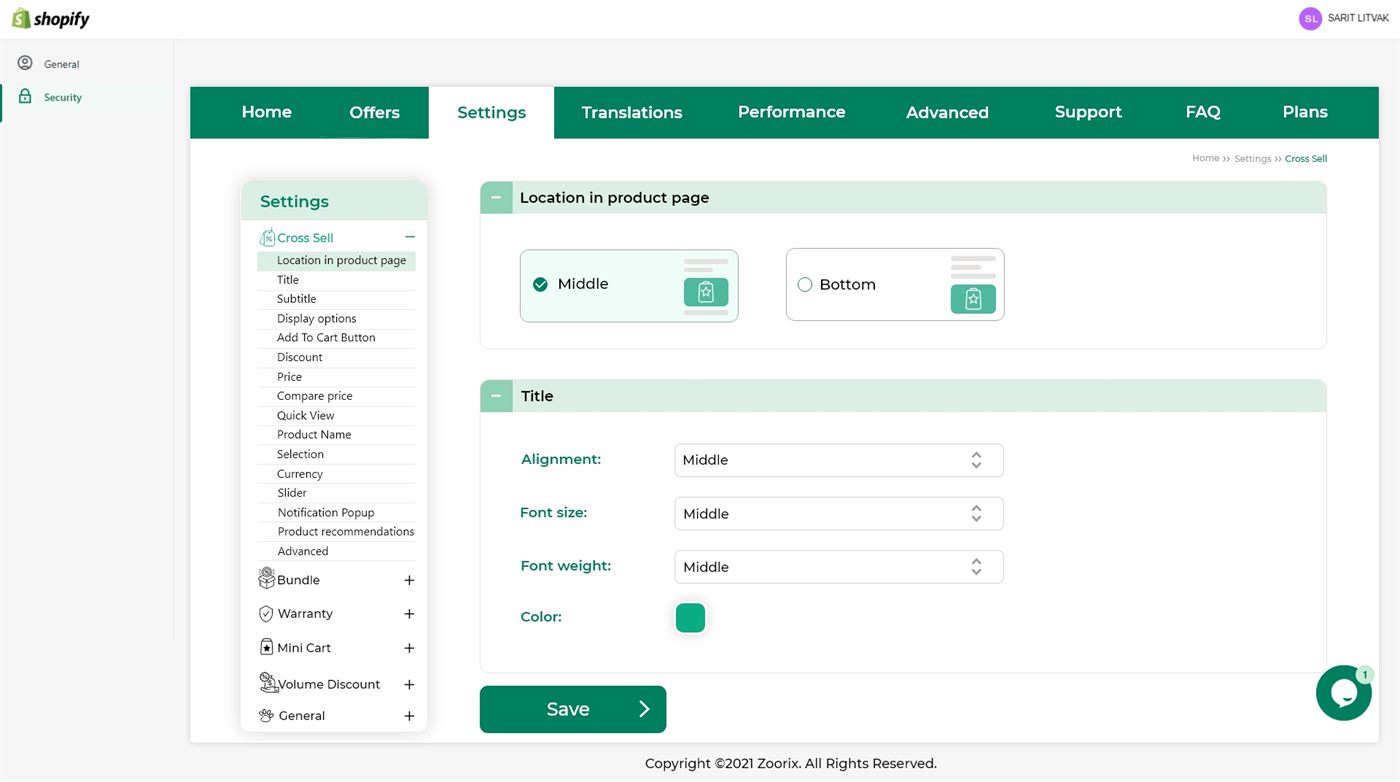
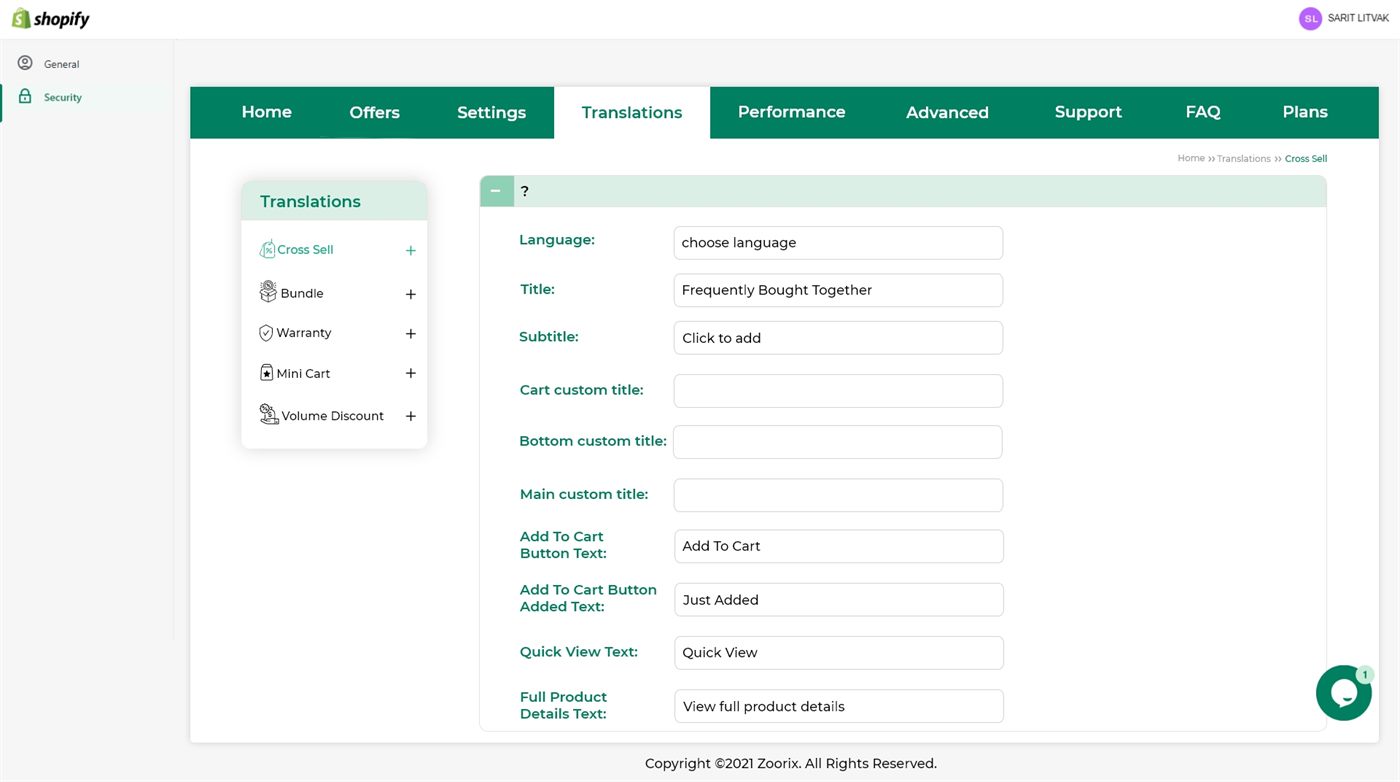
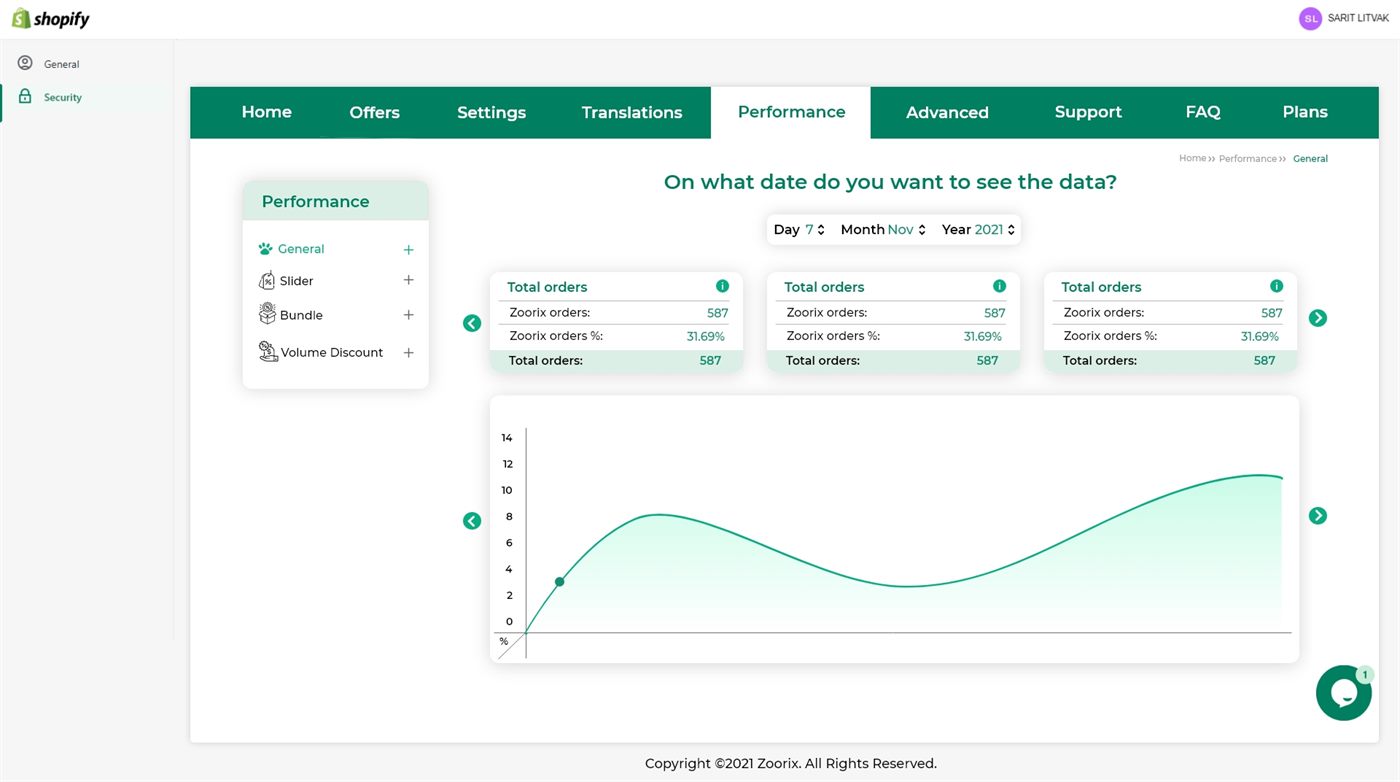
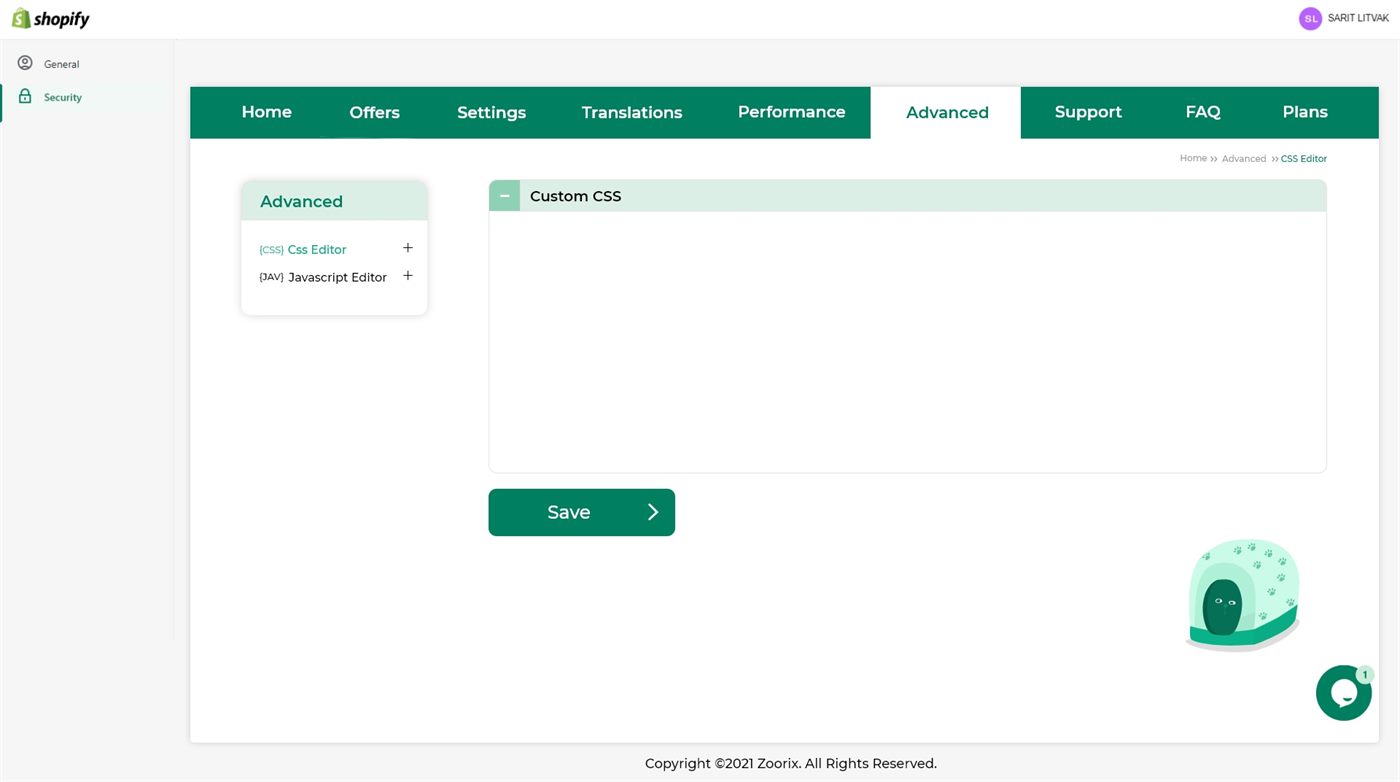
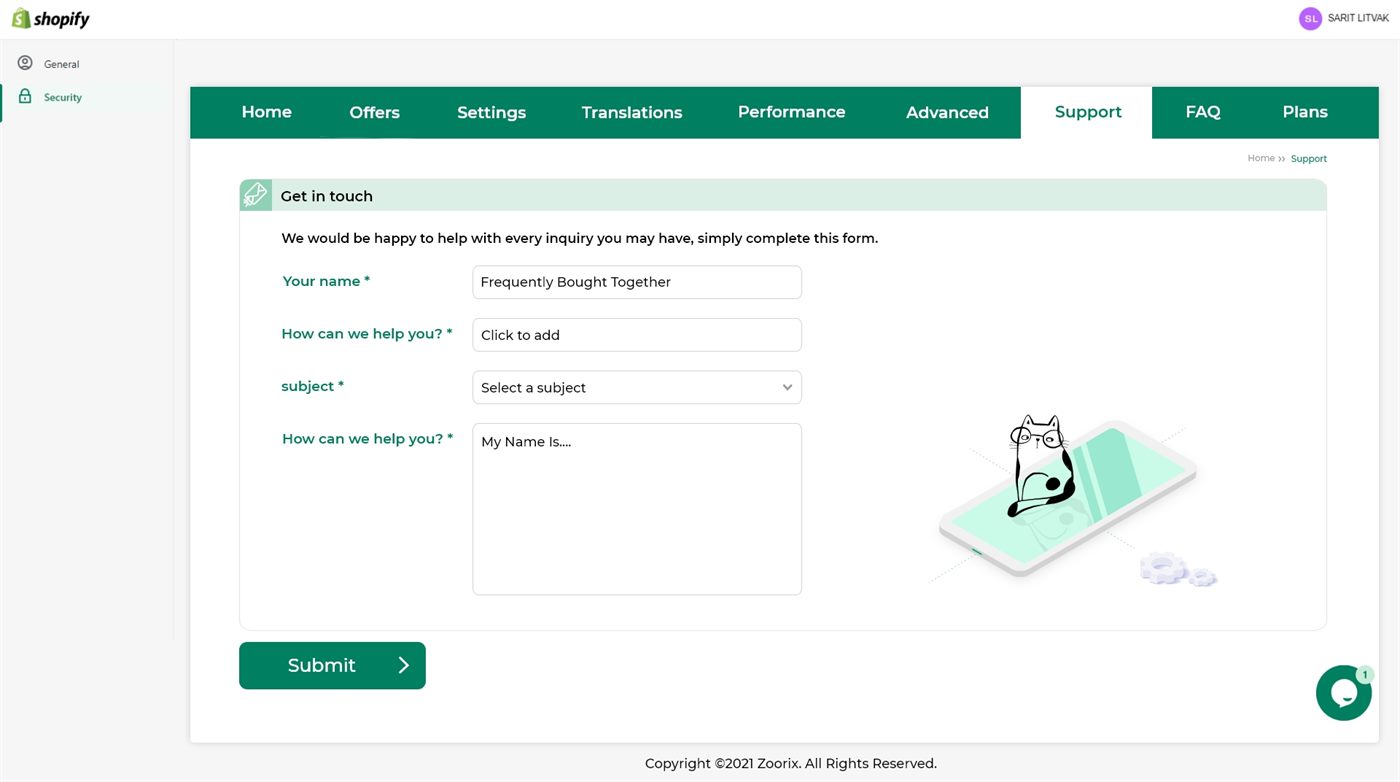
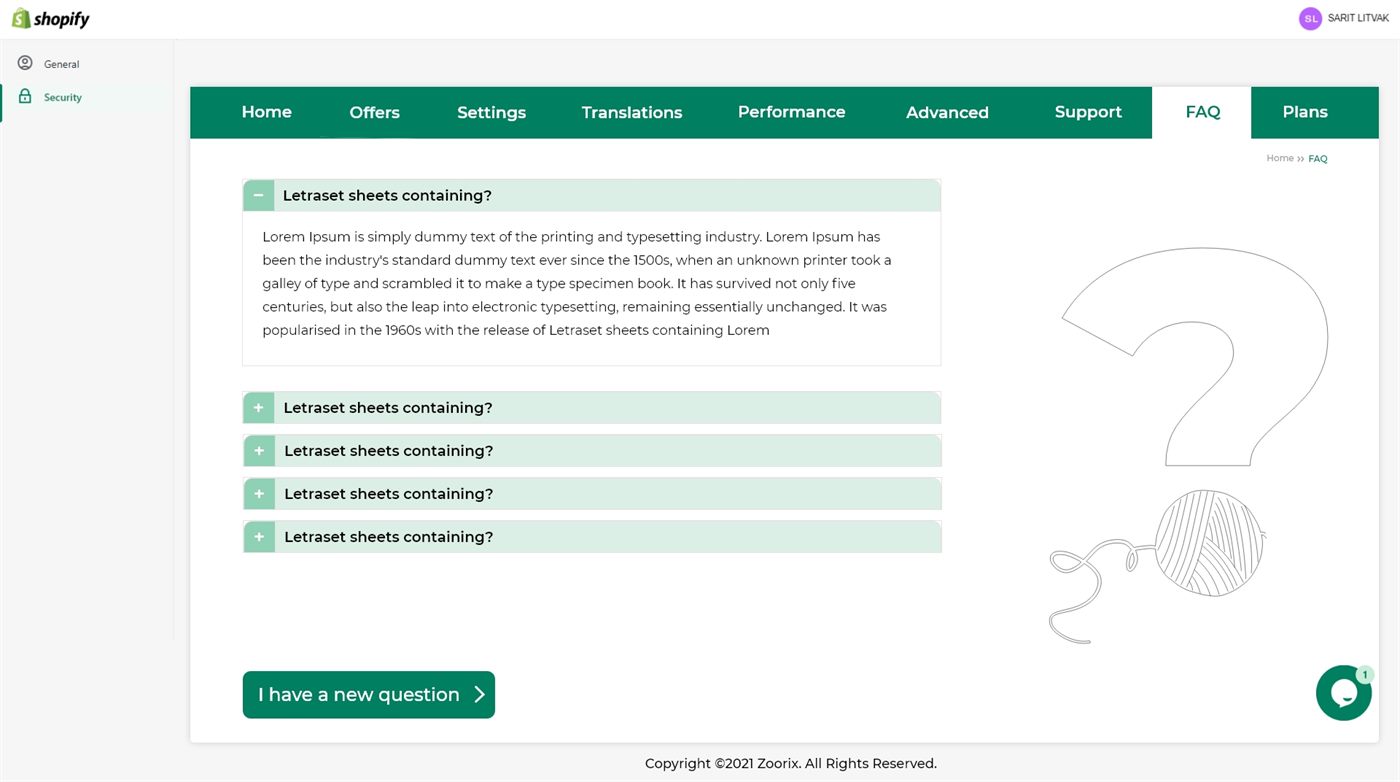
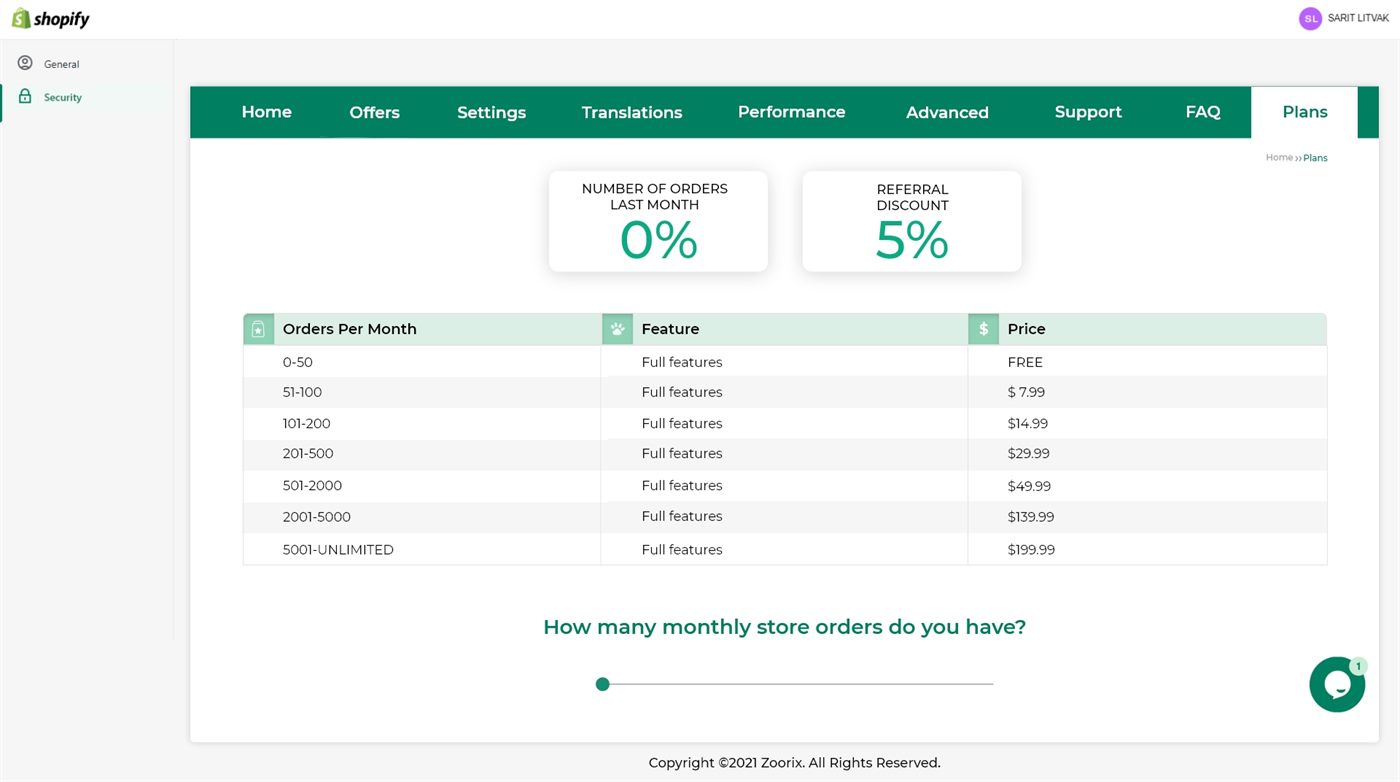
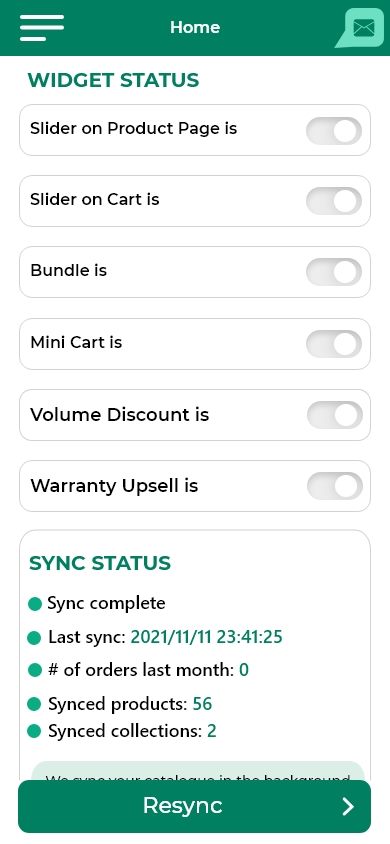
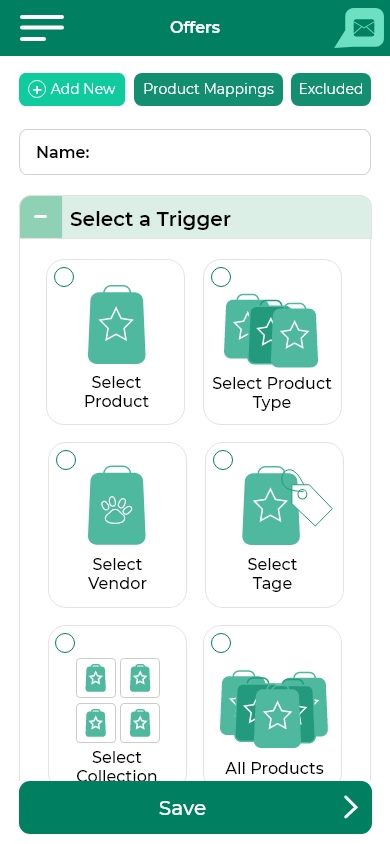
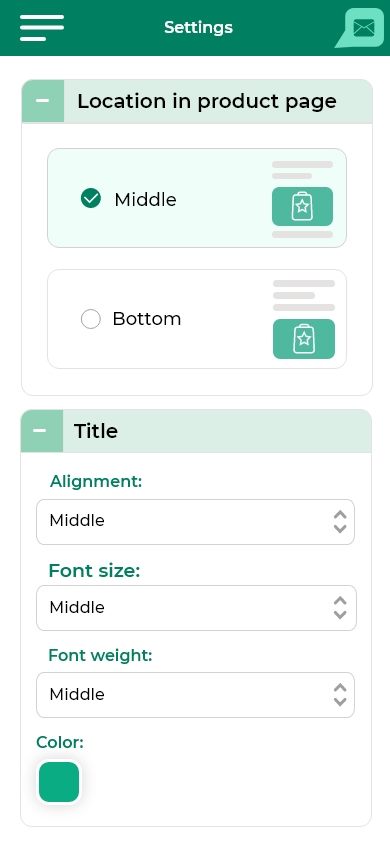
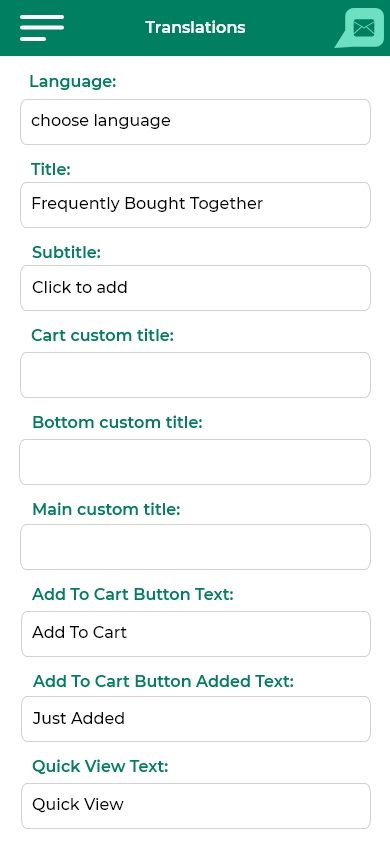
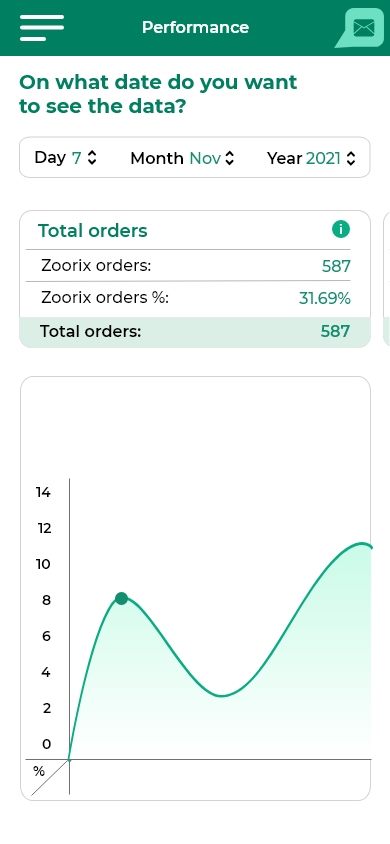
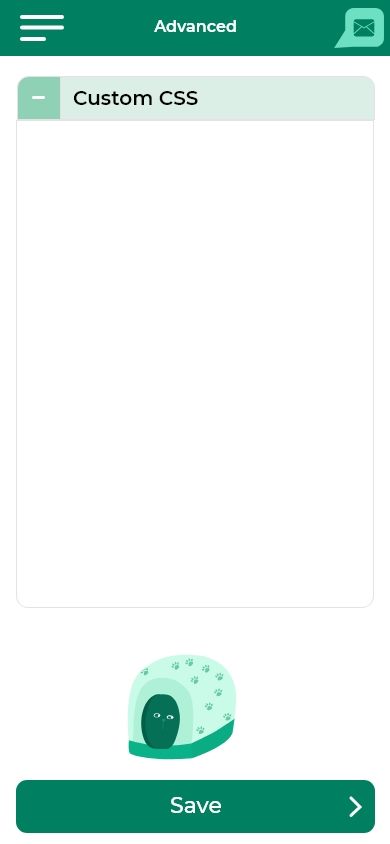
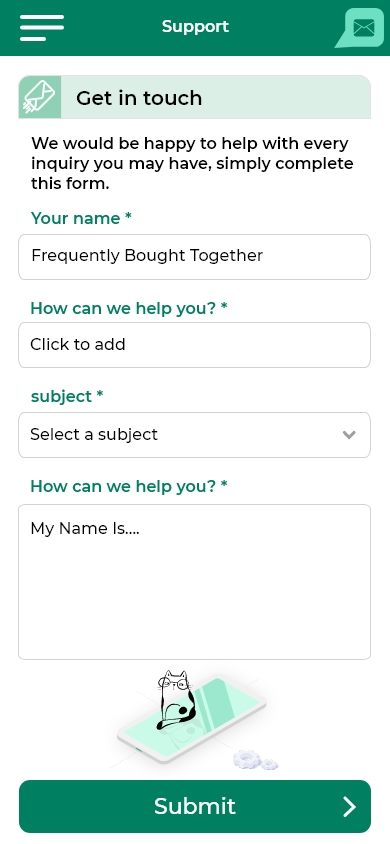
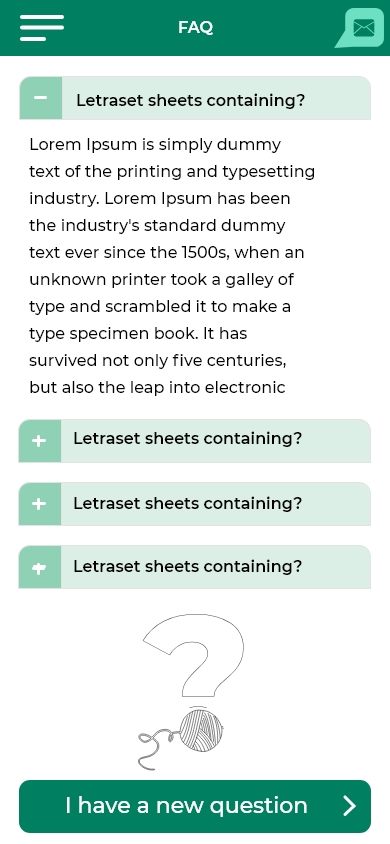
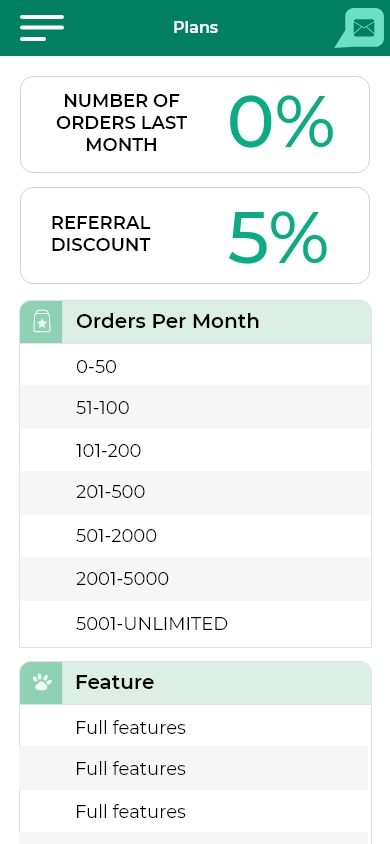
From installation to results in five steps, with every screen explaining the next one.

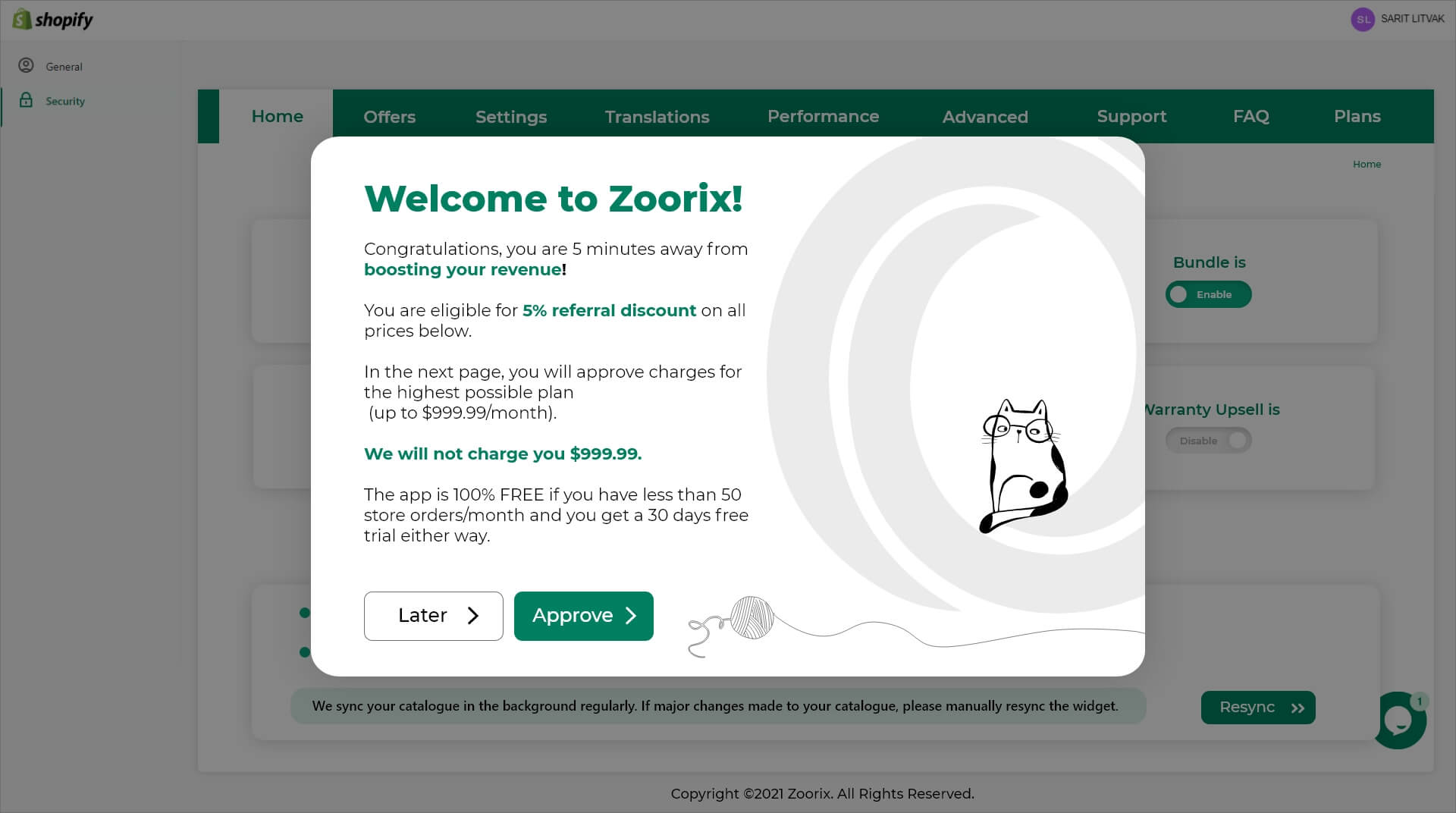
A welcome window explains that the app is free for up to 50 orders a month, with a 30-day trial. One click to approve, and you're ready to go.
In the dashboard, you turn on the widgets you want, and the store's catalog syncs in the background.
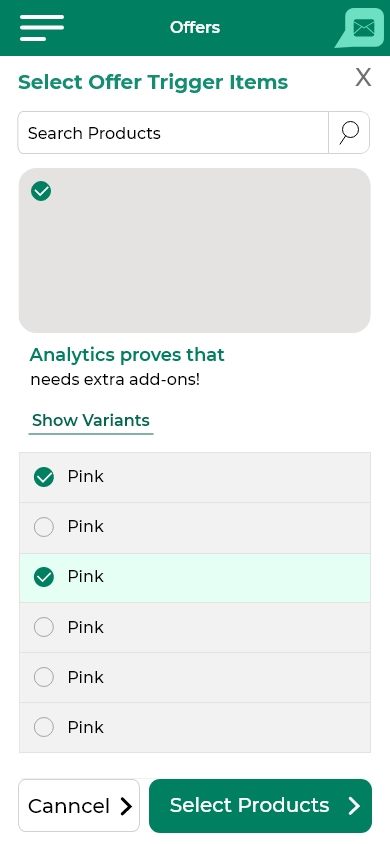
Choose what triggers the offer, then the products to offer the customer, with every variant clearly marked.
Placement, title, colors and translations, so the widget feels like a natural part of the store.
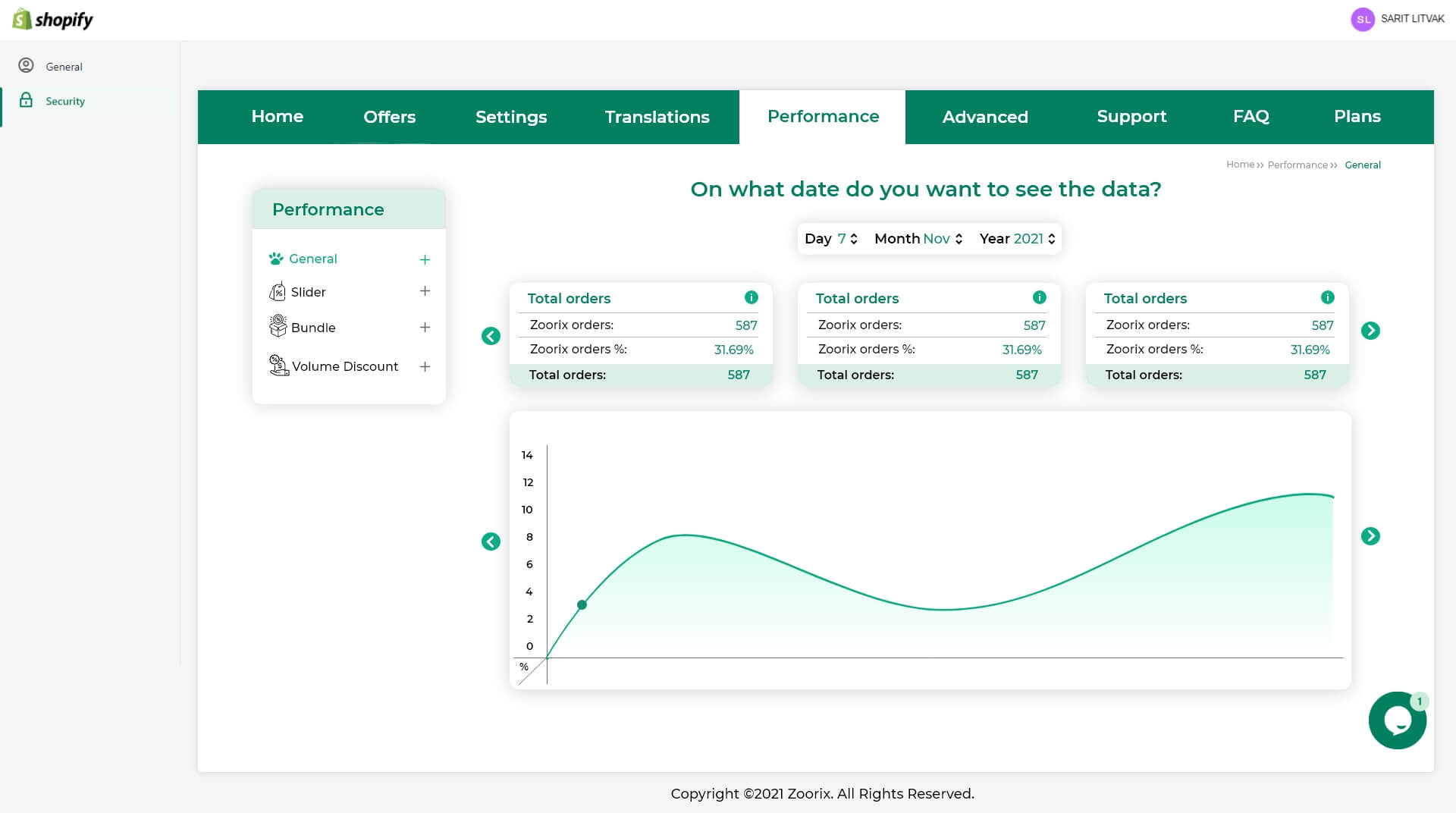
The performance dashboard shows how many orders came in thanks to Zoorix, by day, month and year.
Customers get an offer in the right place, and the store owner sees the impact in numbers.
I'd love to hear about it, map it out with you and design an experience your users will love.













 Sarit ZobelOnline · Replies soon