
+972-54-921-6799
App & management interface · Hospitals

Dining Room

A staff app and a management interface for managers, built for serving meals in hospitals.

RoleApp UI/UX design
Two productsStaff app · Management interface
BrandingNeutral, since each hospital has its own branding
Key advantageTracks one meal per employee per day
01About the app

Two products, one system

The design is split into two products. An app that lets employees go to the dining room at their workplace, scan a barcode and receive one meal a day, and see which dishes are available that day along with details about the dining room. And a management interface that lets managers decide which dishes employees receive, set dining rooms as active or inactive, and view statistics for every dining room in every hospital in Israel.

The branding is neutral, because each hospital has its own.

A screen from the staff app
User side · The staff app
The management interface
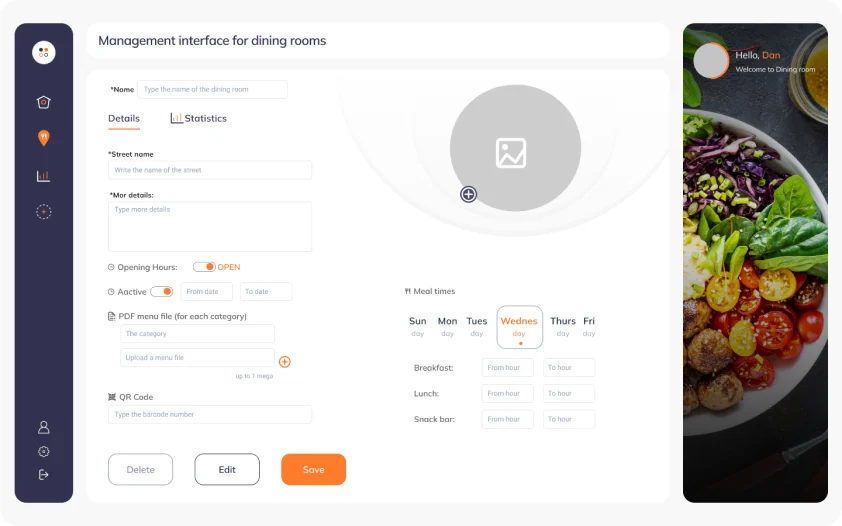
Admin side · The management interface
02The challenge and the solution

One meal a day per employee

The challenge: a company that provides meals to its employees needs to monitor them so that each employee uses only one meal. Running dining rooms in large organizations comes with its own set of problems.

The solution: dining rooms can be opened in the management interface, and a barcode is sent to employees. Monitoring in the dining room makes sure each employee uses only one meal a day. On the user side, employees scan the barcode they received by email and take it with them to the dining room. They can see which dishes are available there, along with details such as location, opening hours and more.

03Staff app

Scanning, menu and dining room

Scan at the entrance

Barcode scan

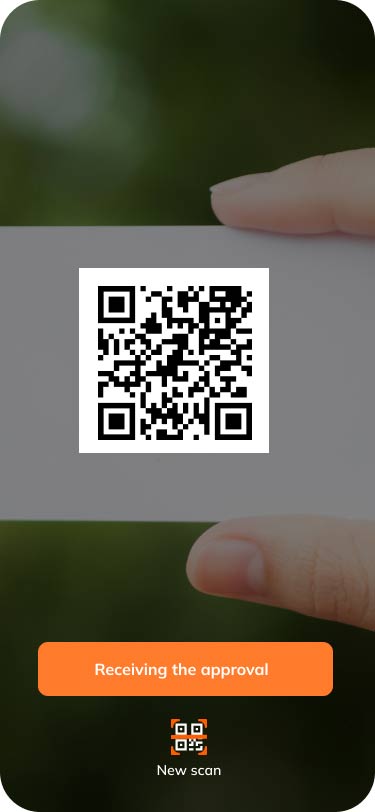
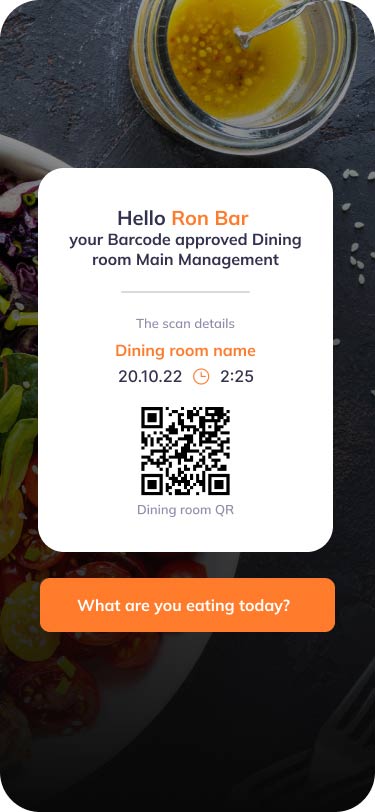
From the dining room entrance to meal approval, in three screens.

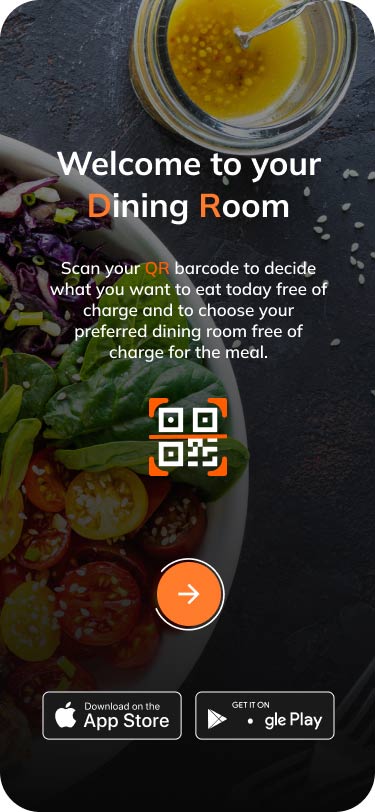
  1. 01Welcome screenThe employee opens the app and starts a scan with one tap.
  2. 02Scan the barcodePoint the camera at the personal card and the scan registers instantly.
  3. 03Meal approvedA confirmation screen with the employee's name, dining room, date and time, then on to choosing what to eat.
The pain pointAt the dining room entrance there was no simple way to make sure each employee got only one meal a day, and manual checks created lines.
The solutionA personal barcode, scanned at the entrance, approves the meal within seconds. Approval is time-based, so the system itself prevents a second meal on the same day.
Welcome screenScan the barcodeMeal approved
The app

The dining room and the dishes

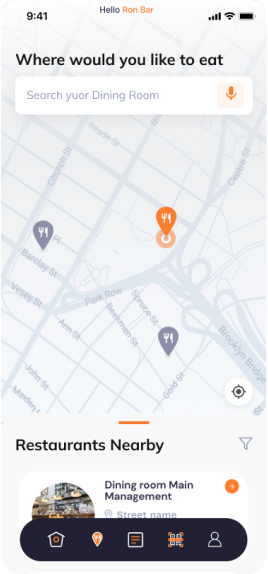
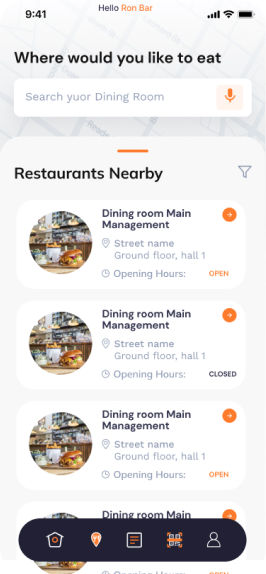
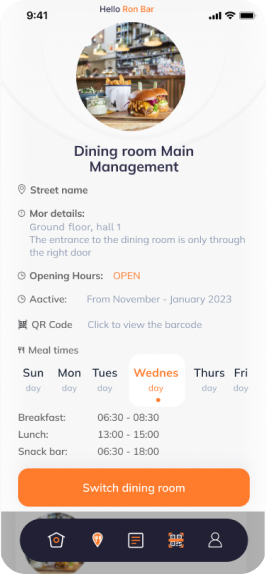
After scanning, you move on to the app: choose a dining room and see what's being served today.

  1. 01Dining room mapWhere I can eat right now, on a map and based on my location.
  2. 02Dining room listThe nearest ones, with floor, hall and what's open or closed right now.
  3. 03Dining room detailsAddress, opening hours and meal times for every day of the week.
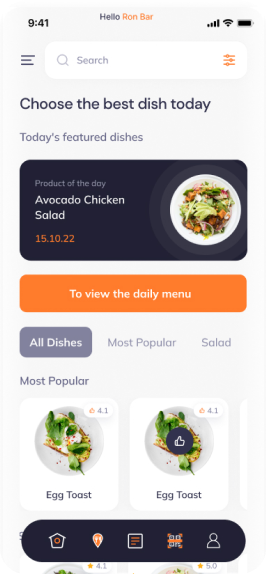
  4. 04Today's dishThe recommended dish and the popular dishes, with filtering by type.
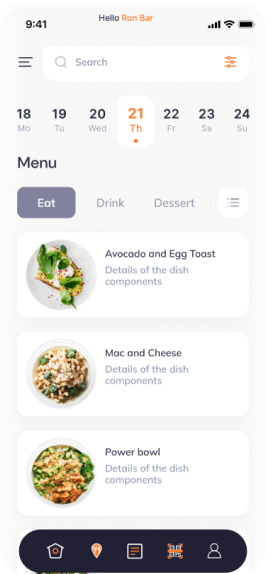
  5. 05The menuThe menu by day, switching between food, drinks and desserts.
The pain pointEmployees didn't know which dining room was open, where it was or what it was serving that day, so they wandered around or skipped the meal.
The solutionA map and a list of nearby dining rooms with opening hours, today's recommended dish and a filterable menu, plus the option to invite a friend to join.
Dining room mapDining room listDining room detailsToday's dishThe menu
04Management interface

Control over every dining room

Admin side

The management interface

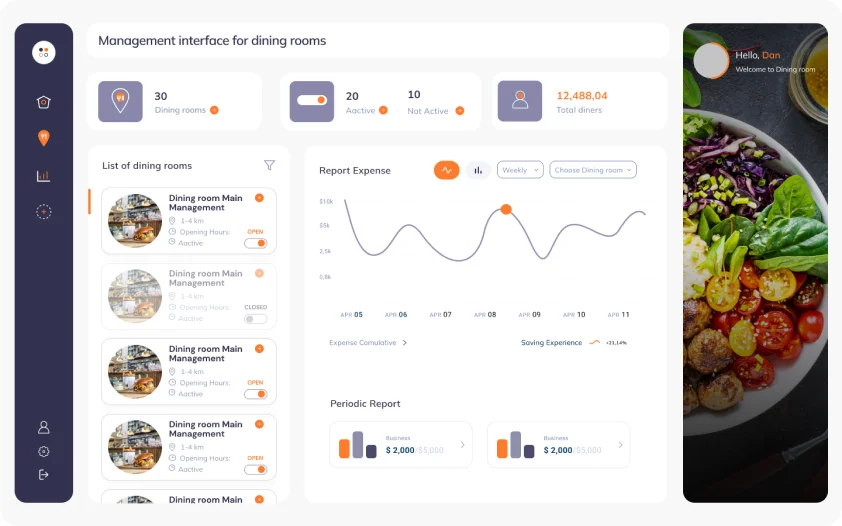
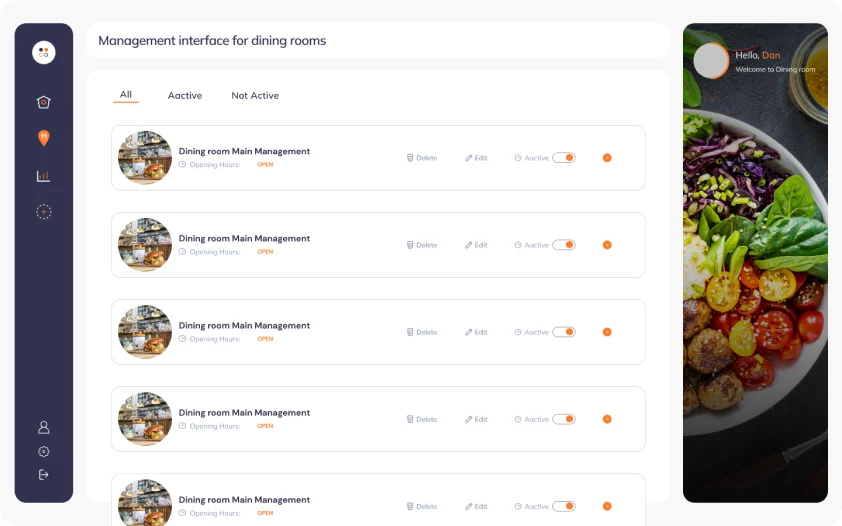
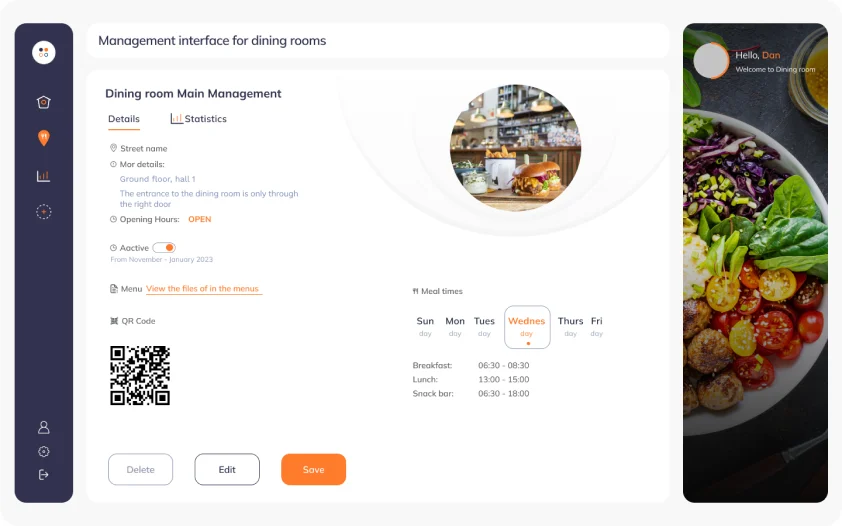
From the big picture to adding a new dining room, in four screens.

  1. 01Home pageAll dining rooms, active rooms and diners at a glance, with an expense report.
  2. 02Dining room listEach dining room in its own row, with edit, delete and an active/inactive toggle.
  3. 03Dining room pageOpening hours, meal times, menu and a barcode to send to employees.
  4. 04New dining roomA form for adding a dining room: address, hours, menu file and barcode.
The pain pointDining room managers had no single view of all the dining rooms: what was open, how many diners came and what it cost, and every update was made manually, in each location separately.
The solutionOne management interface with real-time data: active and inactive dining rooms, total diners and an expense report, plus updating hours, dishes and barcodes for every dining room from one place.
Home pageDining room listDining room pageNew dining room
05Who the users are

A frontline employee and an operations manager

Tomer Alon, 32

Tomer Alon, 32

A registered nurse in an internal medicine ward (or an employee at a large company)
“How many clicks until I get to eat?”
Profile
Tomer works intense, high-pressure shifts. When he finally gets a lunch break, his time is limited, and he wants everything to move fast so he has time to sit down, eat and rest before heading back to his shift. He lives on his phone (payment apps, WhatsApp, social media).
Goal in the app
Get a valid code/barcode on his phone within two clicks, scan it at the dining room kiosk, grab his meal and move on.
Pain points
A magnetic staff badge forgotten in the pockets of other clothes or at the nurses' station · Long lines in the dining room · Worry about technical friction: if the app loads slowly because of poor reception, he holds up the line.
UI/UX expectations
A clean home screen with a large barcode generated as soon as the app opens, with no deep navigation · Clear visual feedback (green color or a check mark) that the code is valid for today and for the current meal.

Ronit Kaufman, 46

Ronit Kaufman, 46

Operations and welfare manager (or dining room operations manager)
“I want to know right away if someone takes a second meal.”
Profile
Ronit is responsible for managing the organization's food budgets and for working with the catering company. She loves spreadsheets and needs to produce regular reports for management and the payroll department. She works mainly from a desktop computer and is used to enterprise management systems.
Goal in the system
Monitor the number of meals served in real time, spot anomalies, prevent double use (an employee who scanned, ate and tried to scan again or pass the code to a friend), and export clean data.
Pain points
Lack of control and wasted budget: finding out only at the end of the month that employees received double meals or that outsiders ate at the company's expense · Information overload and endless lists with no filtering or anomaly alerts · Manual work cross-checking data between the supplier and the employee lists.
UI/UX expectations
A management dashboard with charts of meals served today against the daily forecast · Prominent alerts (red color or a pop-up) the moment an attempt at a double meal is detected · A powerful search and filtering engine by department, date or employee name, plus a quick export-to-Excel button.
06Design language

Colors

#FE7B2B
#151618
#333351
#FFFFFF

More projects

BUYMYCAR

BUYMYCAR

B2B · Tenders · Web system
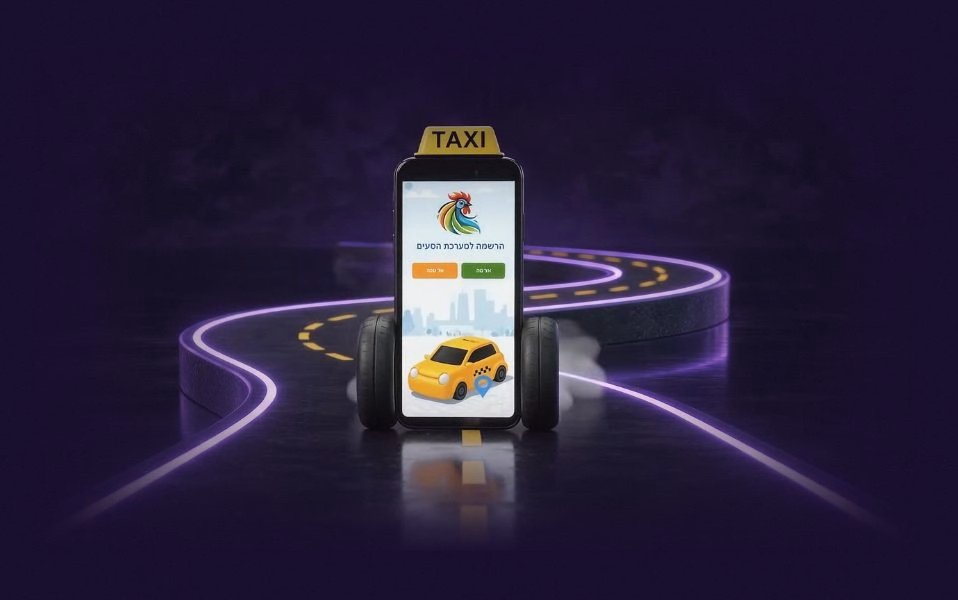
Taxi & Rides System

Taxi & Rides System

Mobile · iOS / Android
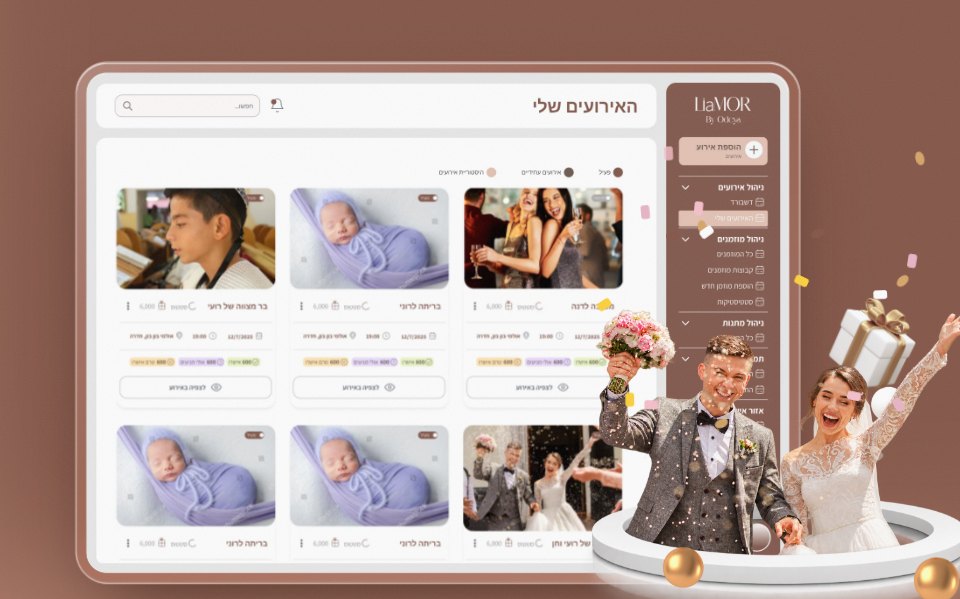
LiaMOR

LiaMOR

Design · Branding · Dashboard · Mobile
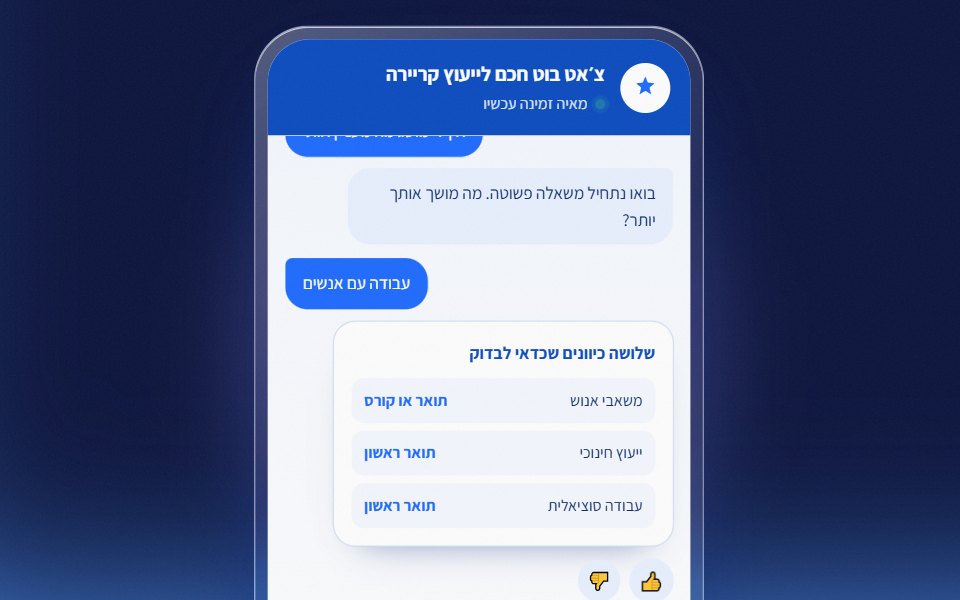
Smart Agent

Smart Agent

Chatbot · AI · Mobile
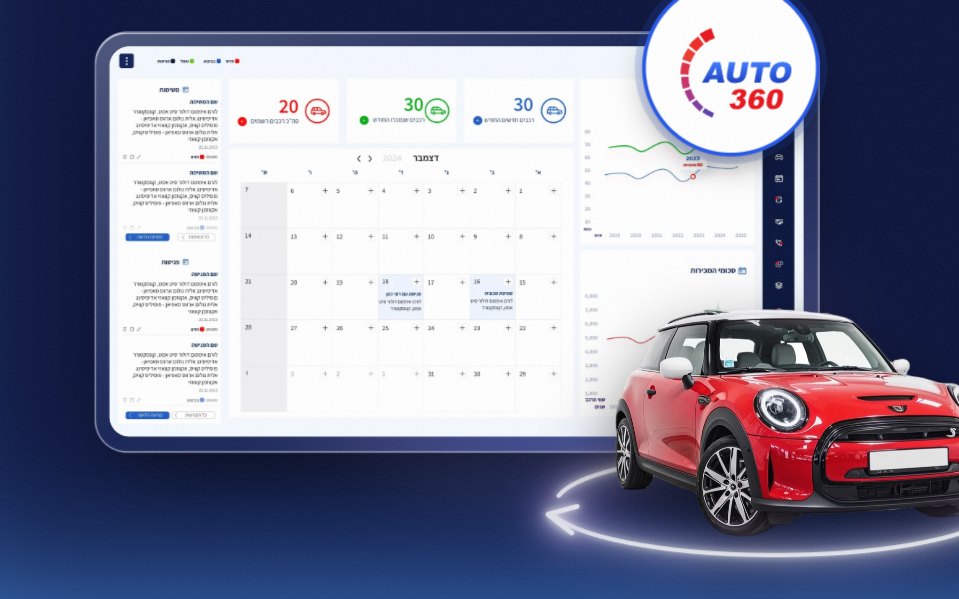
AUTO 360

AUTO 360

Vehicles · System · Dashboard
Trigo

Trigo

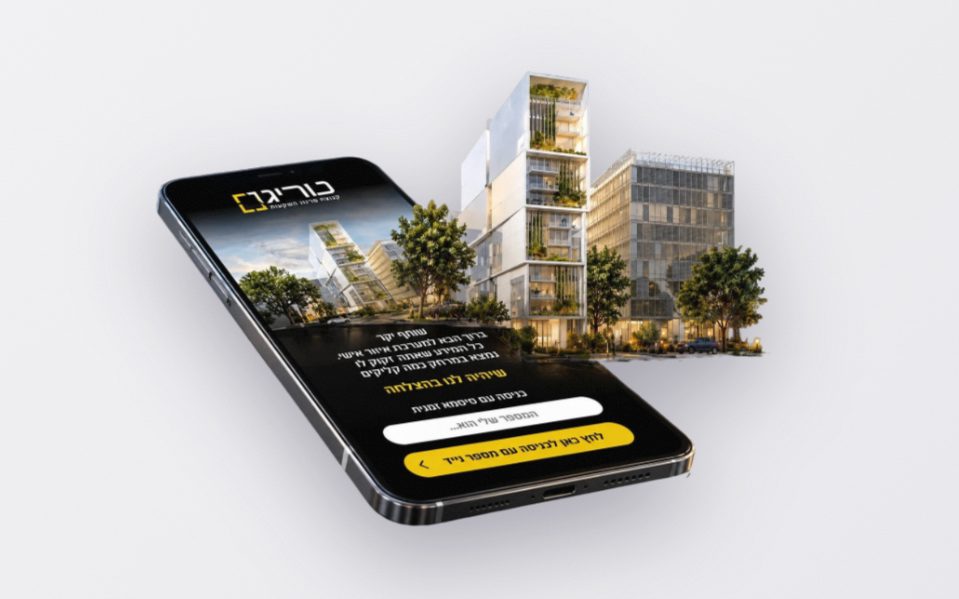
Mobile · Real estate · GIS
Greenberg

Greenberg

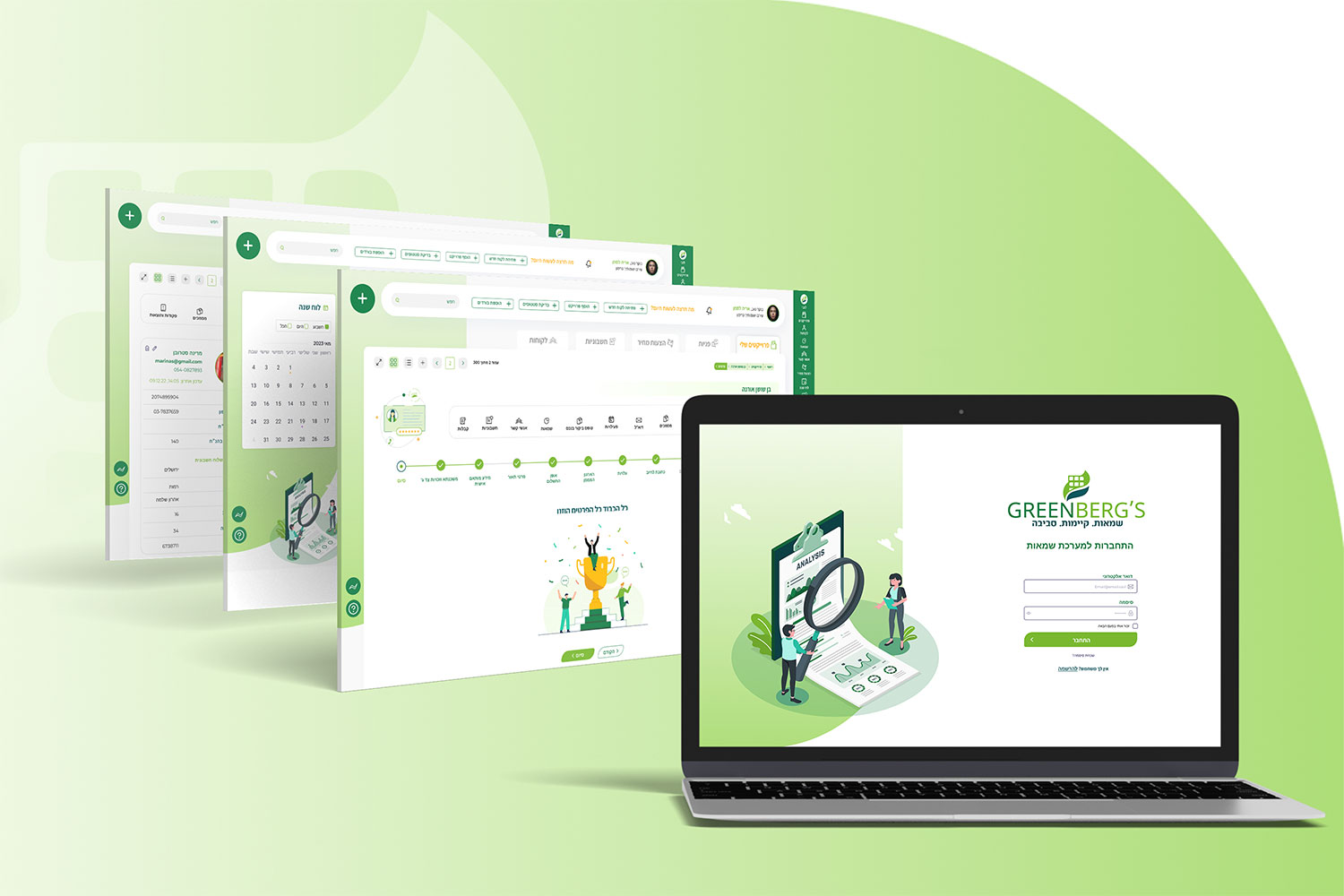
Appraisal · B2B · Internal system
Student Printing Module

Student Printing Module

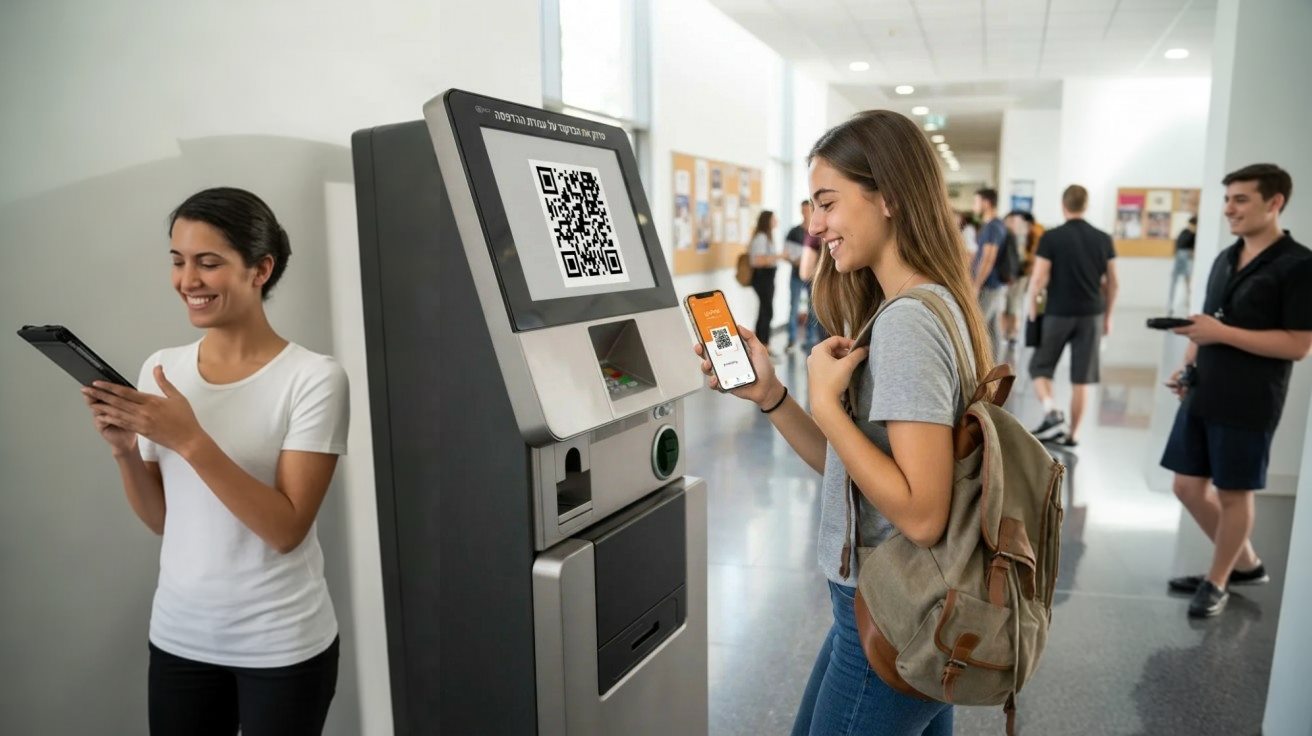
Campus · QR · Mobile
Zoorix

Zoorix

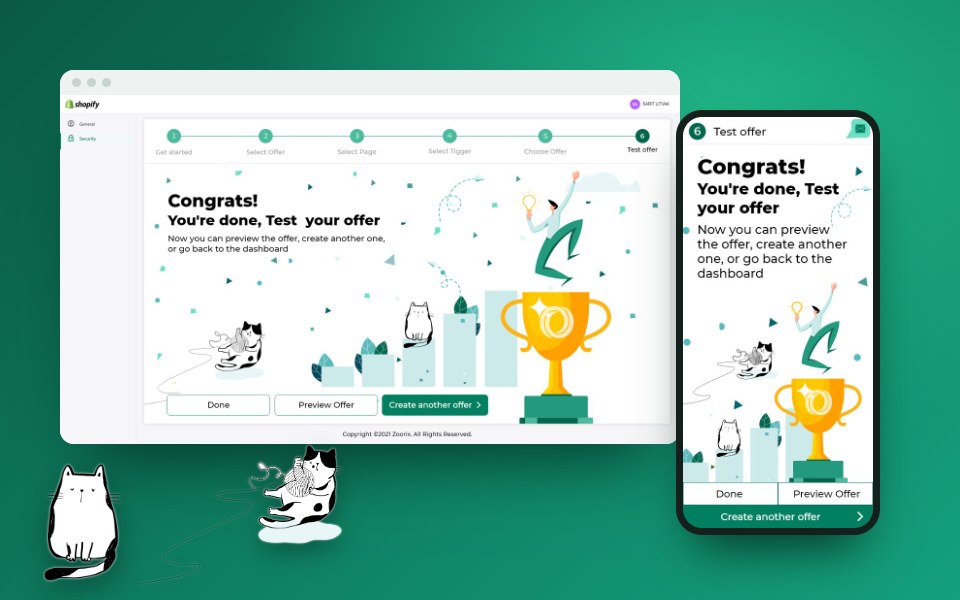
Onboarding · Dashboard · Web
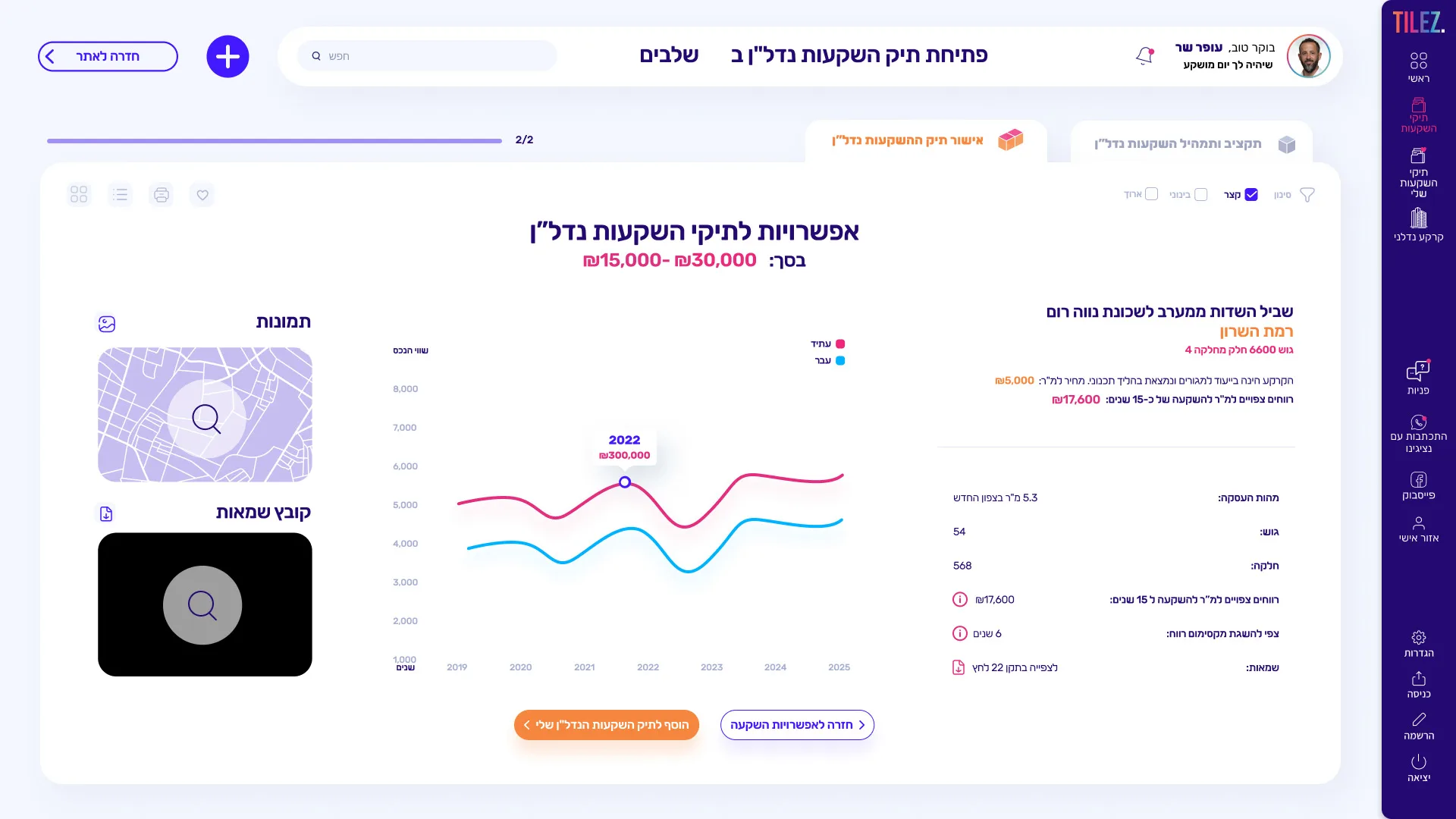
Tilez

Tilez

Branding · Real estate · Website
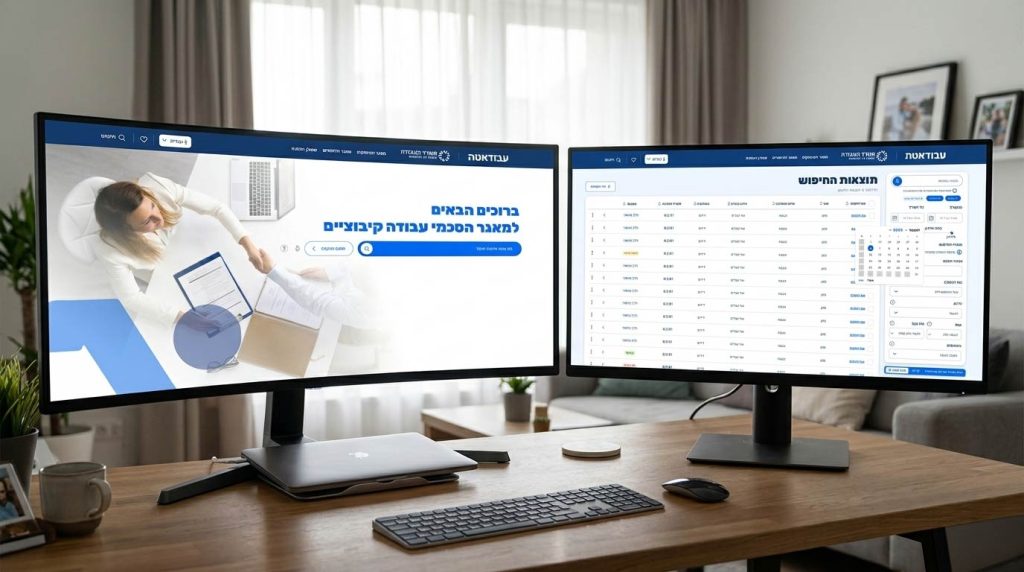
Avodata

Avodata

Comparisons · Filters · Web App
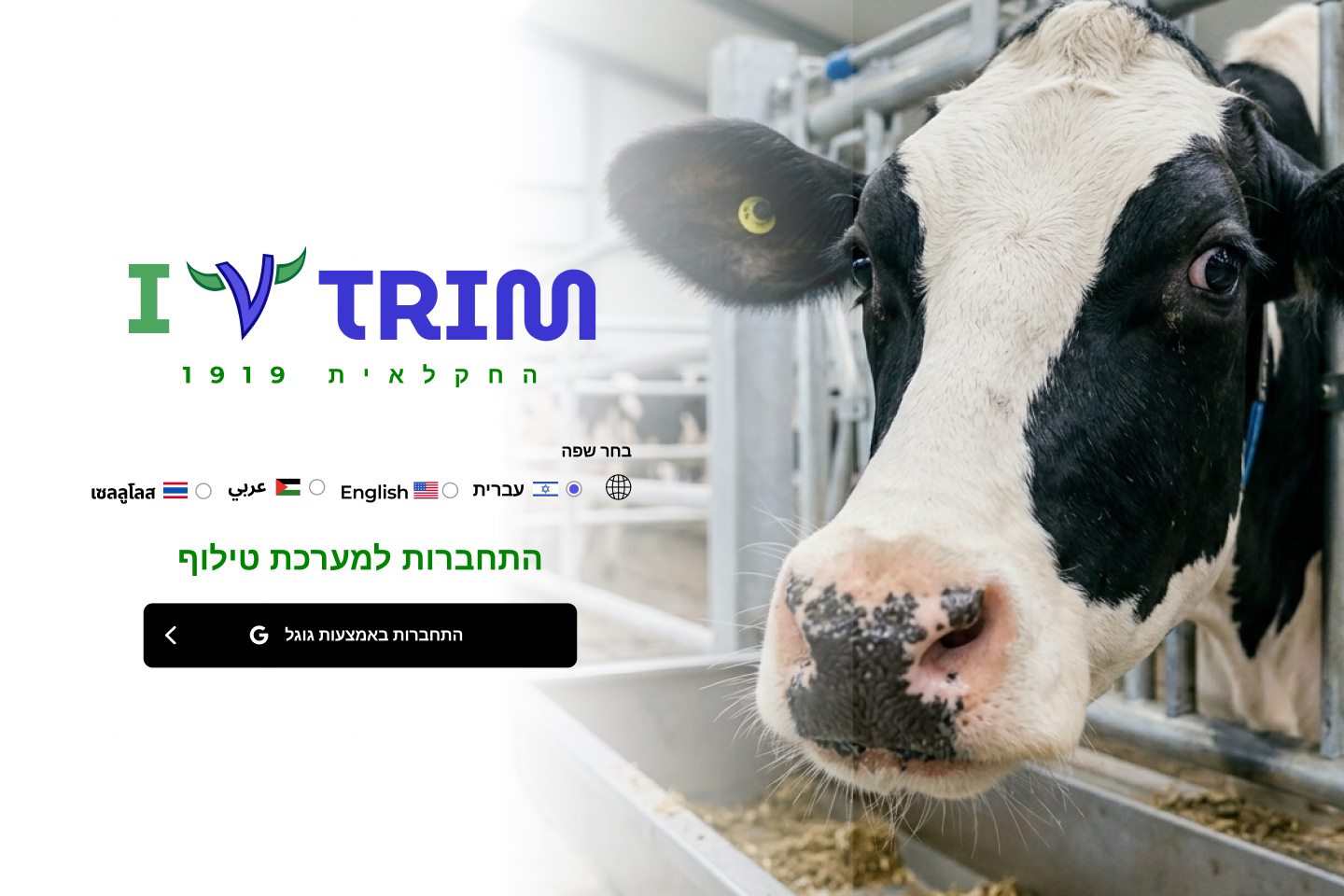
Haklayit

Haklayit

Dashboard · Agriculture
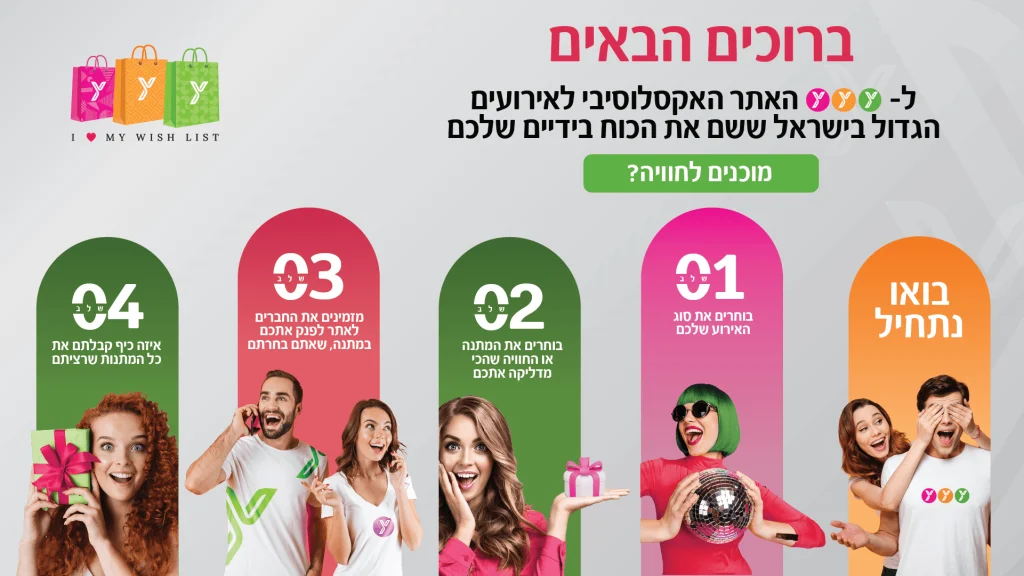
YYY

YYY

Events · Gifts · Mobile
Insoles Questionnaire

Insoles Questionnaire

Questionnaire · Personalization · Web

Have an idea for an app or a system?

I'd love to hear about it, map it out with you and design an experience your users will love.