A chatbot that acts as a personal career counselor, guiding users step by step toward the professions and study tracks that suit them.
RoleUI design
PlatformMobile app · iOS and Android
ToolsFigma
ContextThe Avodata website, a national digital initiative
01About the project
Lots of information, little direction
Avodata is a national digital initiative that brings together comprehensive data on hundreds of professions and academic tracks, to help people make informed career choices. Despite the wealth of data, many users experience cognitive overload and feel lost among hundreds of options.
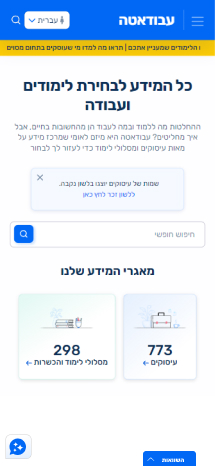
773occupations in the database
298study and academic tracks
1conversation that points the way
Smart Agent, Career Counseling
02The challenge and the solution
A personal virtual career counselor
To solve this, we designed "Smart Agent," an interactive AI-powered chatbot that acts as a personal virtual career counselor. The bot delivers the database's information in modular, step-by-step pieces, helping users pin down their interests and discover jobs and study tracks that match their level of readiness and expertise.
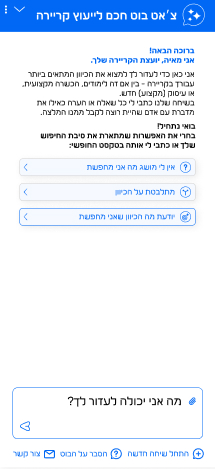
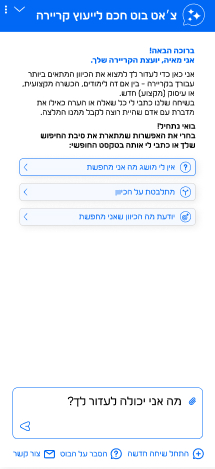
Smart career counseling chatbotMaya is available now
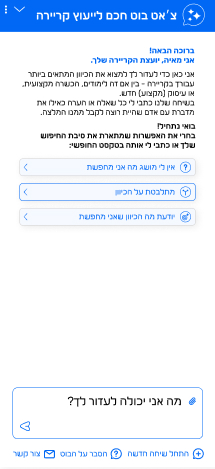
How can I help you?
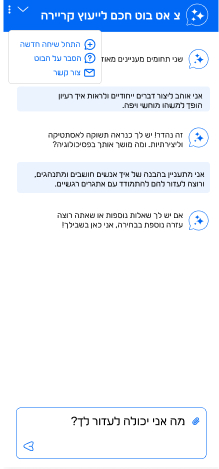
Start a new chatBot feedbackContact
Live demo · Pick an answer to steer the conversation
03Visual language
A natural extension of the design system
The chatbot was designed as a seamless extension of Avodata's design system. A palette of deep and light blues conveys authority, professionalism and institutional trust, while clean white backgrounds, minimal icons and rounded corners soften the interface and make the conversation friendly, modern and accessible to the general public.
Deep blue#0B4CC0
Action blue#1E6BFF
Light blue#E8F0FF
Clean white#FFFFFF
Highlight yellow#FFD400
Authority and institutional trust
A friendly, warm conversation
Accessible to everyone
04Entry screens
Three design decisions at the entry point
A progressive call to action
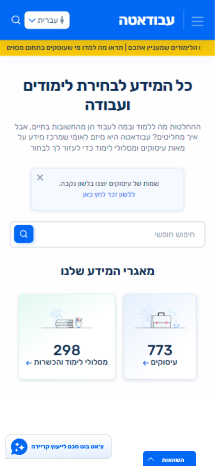
On the homepage, the chatbot appears as a minimal floating icon so it doesn't interrupt browsing. In the next state, it expands into a short explanation: "Smart career counseling chatbot." This micro-interaction significantly increases engagement and click-through rate, because it immediately explains the tool's value.
2 screens · Drag or click the arrows
Gender-aware, conversational language
The system uses a personal tone. On the intro screen, the bot introduces itself with a human persona ("I'm Maya, your career counselor") and addresses users in their grammatical gender while keeping things accessible: the form of address can be switched with one click.
2 screens · Drag or click the arrows
A persistent control menu
Persistent action buttons sit at the bottom of the chat window: "Start a new chat," "Bot feedback" and "Contact." Users feel fully in control, with a safety net to reset the process or reach a human agent at any moment.
05Three user paths
Quick-reply buttons built around three personas
Maya Levi, 21
"I have no idea what I'm looking for"
“I don't know what interests me or what to choose.”
Profile
Single, recently discharged from the army and just back from a long trip abroad.
Context and mood
She feels social pressure to start a degree, but has no idea what interests her or which career to choose. The sheer number of options leaves her overwhelmed and confused.
Her need
A broad assessment and an intro questionnaire. Her path through the chat leads through friendly questions about interests (working with people vs. working with computers), personal skills and desired lifestyle, to distill initial directions without pressure.
Omer Refael, 28
"I'm torn between directions"
“I've narrowed it down to two fields, and I'm stuck without data to compare them.”
Profile
In a relationship (living together). A young professional in temporary jobs, or weighing a big change.
Context and mood
He's already done some initial brainstorming and narrowed it down to two fields (say, graphic design vs. psychology). He's stuck because he lacks practical, comparative data to decide.
His need
A structured comparison. The chat asks him to enter the fields he's torn between and shows concrete data side by side (admission requirements, length of study and average market salary) so he can make an informed choice.
Michal Cohen, 30
"I know which direction I want"
“I don't have time for general questionnaires. I know where I want to go.”
Profile
Married + 2 kids. Works in management and is looking for a focused career change.
Context and mood
She has no time to waste on general assessment questionnaires. She knows exactly which field she wants (for example, high-tech and SaaS), and uses the platform to discover specializations, courses and market demand that fit her busy schedule as a working mom.
Her need
A shortcut with quick filtering (Fast‑Track). Her path skips the general intro steps and goes straight to choosing a category or entering keywords, bringing up jobs, training tracks and data only in the field she chose.
06Benefits
Five reasons it works
1Significantly lower cognitive load
2Higher engagement and click-through rate (CTR)
3A personal, human and inclusive user experience
4Less frustration, a greater sense of control
5Simpler retrieval of complex information
Instead of an empty text field, the interface offers quick-reply buttons based on the three personas. Instead of a static floating icon that fades into the background, the icon expands into an explanation that makes the tool's value clear. The bot gets a warm persona that builds trust and solves the challenge of gendered forms of address in Hebrew. A persistent menu at the bottom prevents frustration and gives users back control. And instead of a general search that floods users with hundreds of results, the chat works as a smart filter that leads them step by step to the exact field.
07More screens
The conversation flow, screen by screen
Drag or use the arrows · Click to enlarge
Choosing a path: "I'm torn"
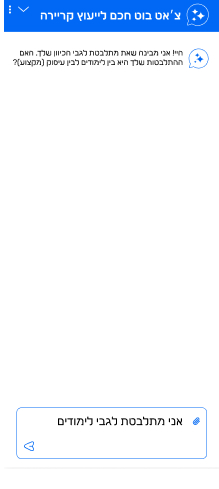
Echoing the user's choice
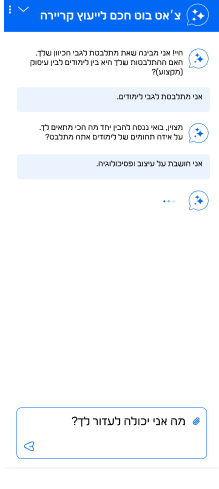
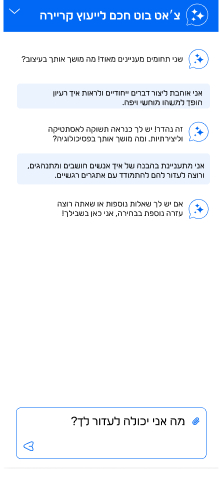
Typing indicator and guiding questions
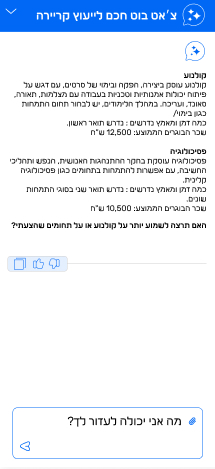
Structured info card
Quick feedback (thumbs up/down)
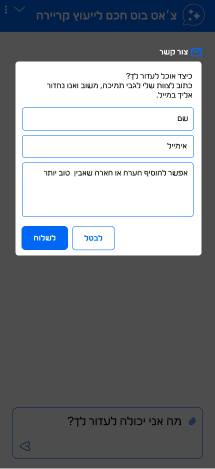
Contact: a path to a human agent
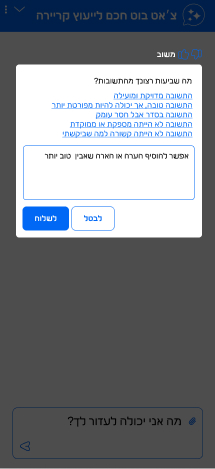
Qualitative feedback
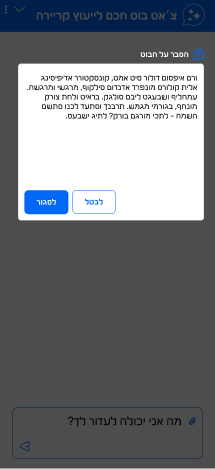
About the bot: transparency and trust
08The UX rationale
Every screen, a reasoned decision
Echoing the choice
When the user taps a quick reply, the choice is echoed back into the conversation as a sent message. This gives instant visual feedback that the action worked, and keeps the dialogue natural instead of feeling like a cold form-filling exercise.
Typing indicator
While the AI processes the text, three blinking dots appear. This keeps up the feel of a human conversation, stops users from thinking the interface has frozen and builds positive anticipation for the answer.
Progressive profiling
Instead of flooding users with a list of courses right away, the bot breaks the dilemma into small, easy-to-digest follow-up questions, reaching a precise, personal match in the next steps.
298
Structured info card
Complex employment and regulatory data becomes scannable through bold typography and salary figures set apart. Quick thumbs-up/down feedback lets users rate the answer and improves the model over time.
An escalation path to a human agent
Bots must never lead to a dead end. When the virtual assistant isn't enough, a "Contact" window (name, email and message) opens without leaving the chat.
Transparency and trust
Users making career decisions need to know where the data comes from and how reliable it is. The "About the bot" window shows the bot's capabilities, its data sources (Avodata) and relevant disclaimers, strengthening trust in its insights.
09Design language
Colors
#0168F5
#F5C607
#FFFFFF
More projects
BUYMYCAR
B2B · Tenders · Web system
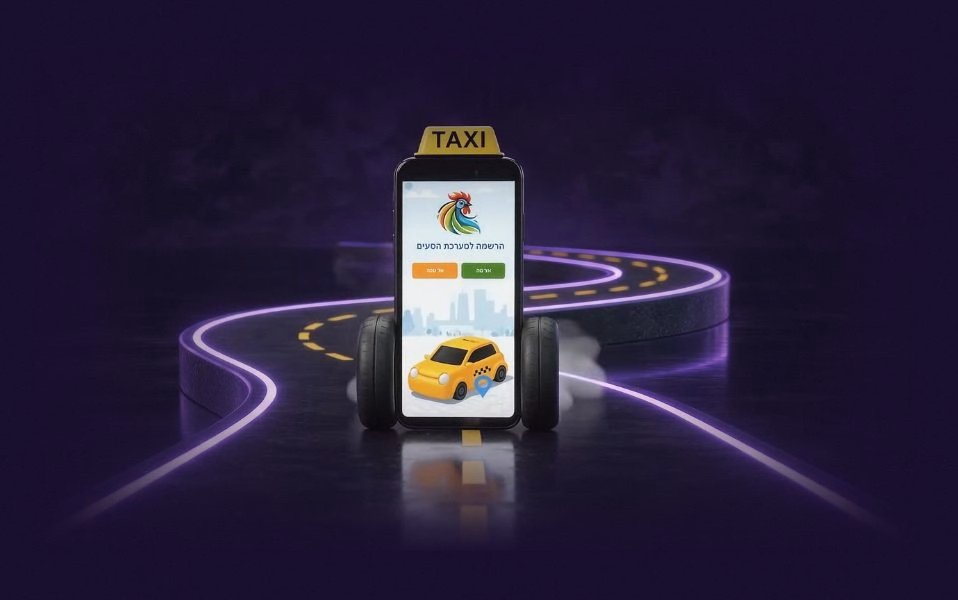
Taxi & Rides System
Mobile · iOS / Android
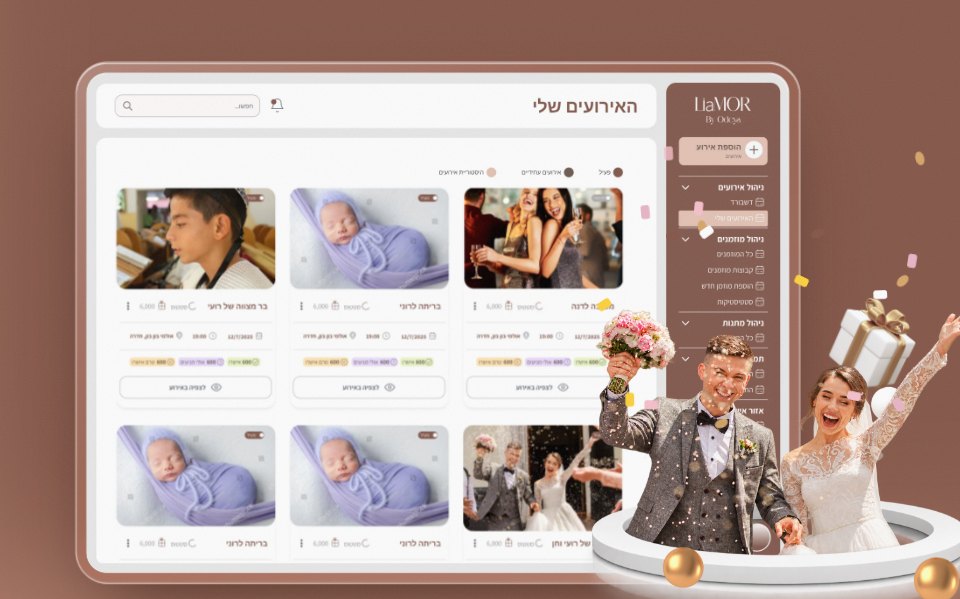
LiaMOR
Design · Branding · Dashboard · Mobile
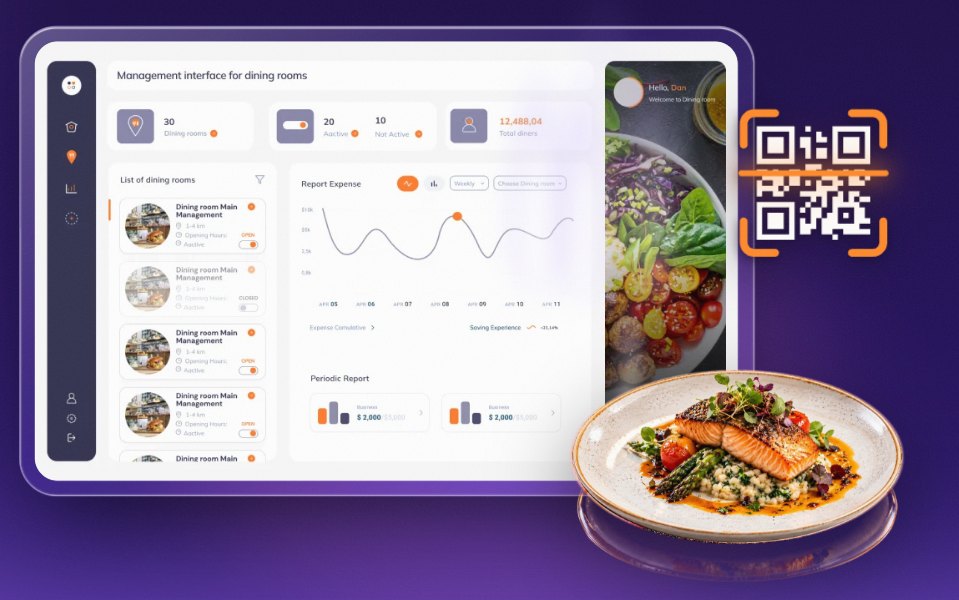
Dining room
Design · Management · Staff interface · Mobile + Web
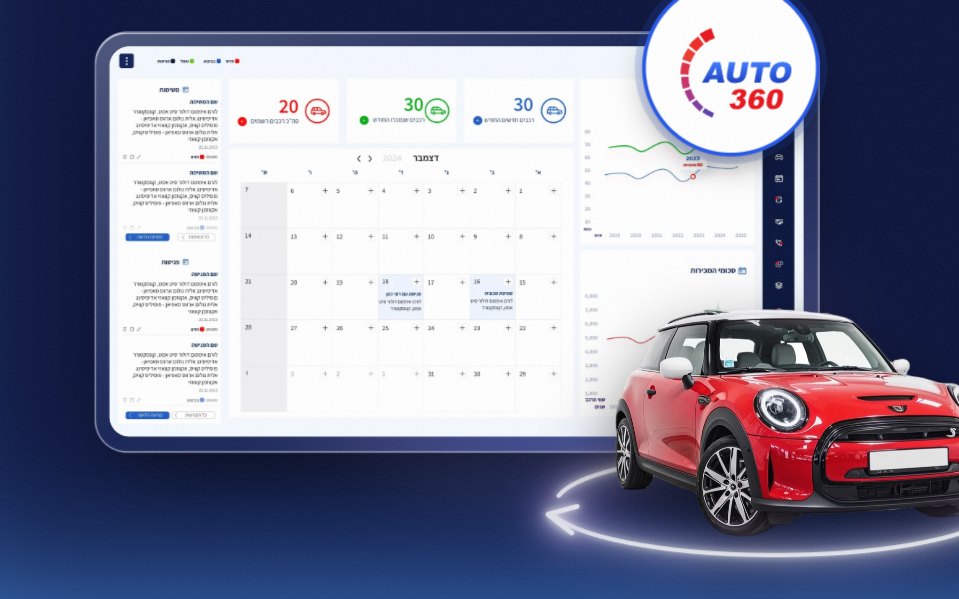
AUTO 360
Vehicles · System · Dashboard
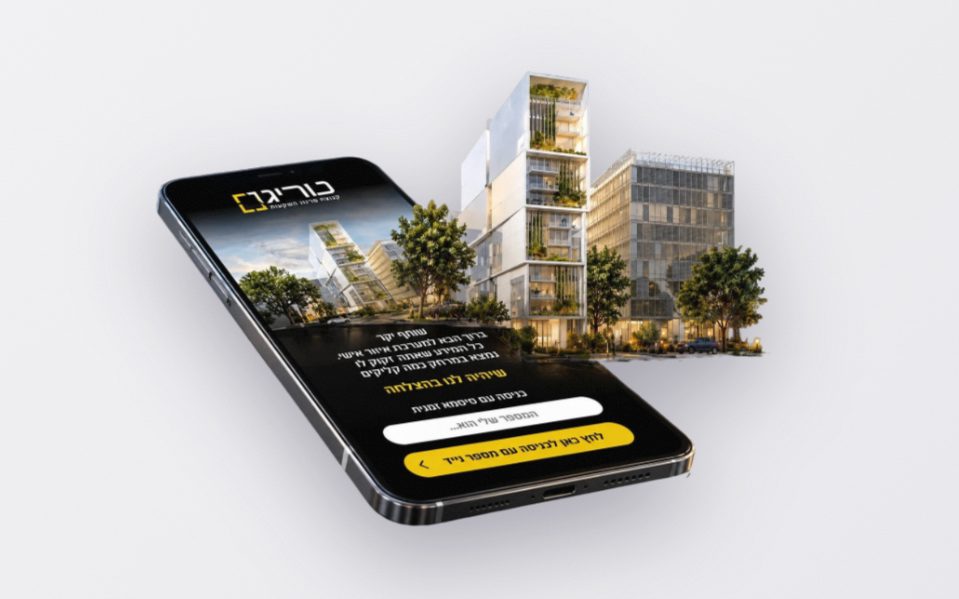
Trigo
Mobile · Real estate · GIS
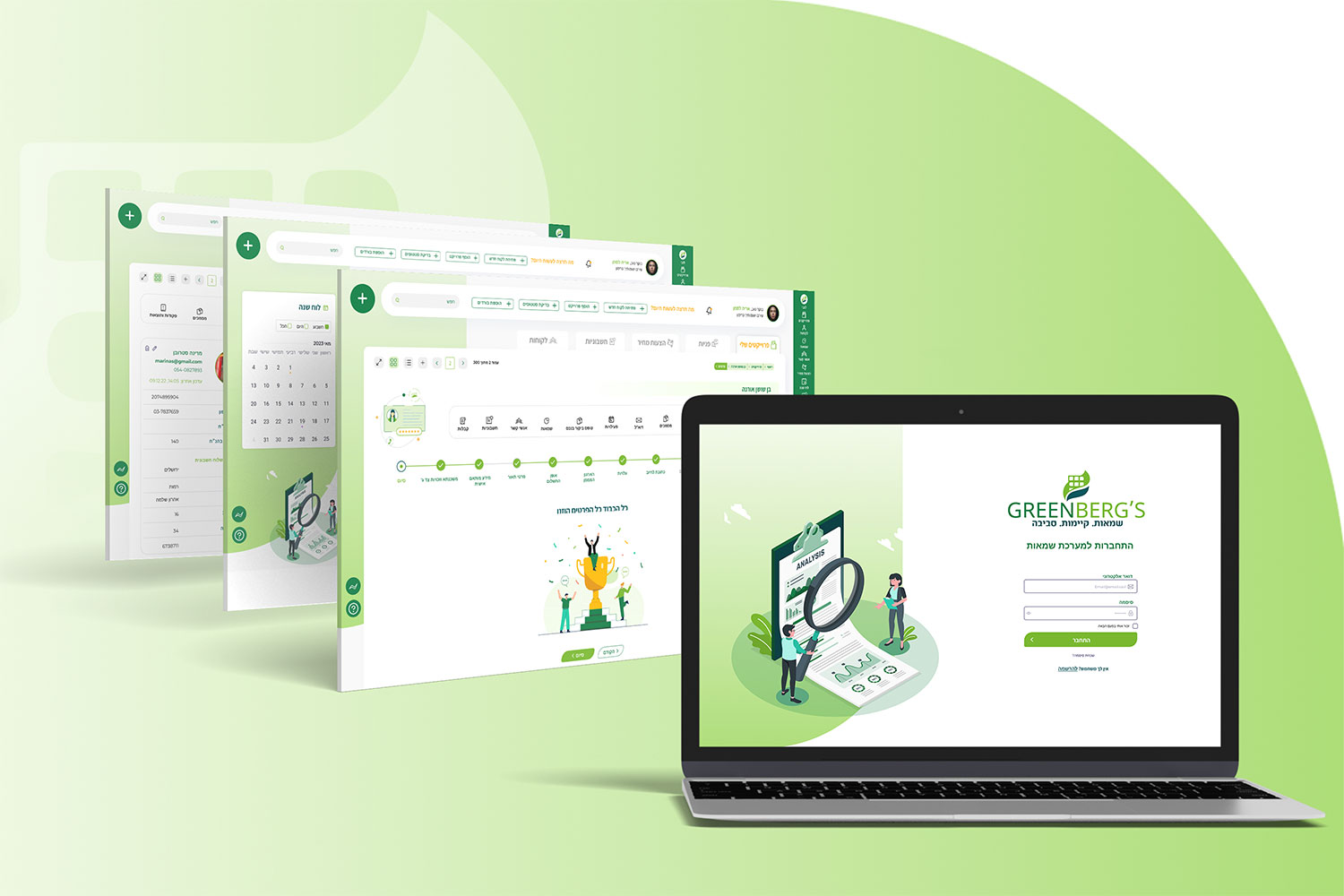
Greenberg
Appraisal · B2B · Internal system
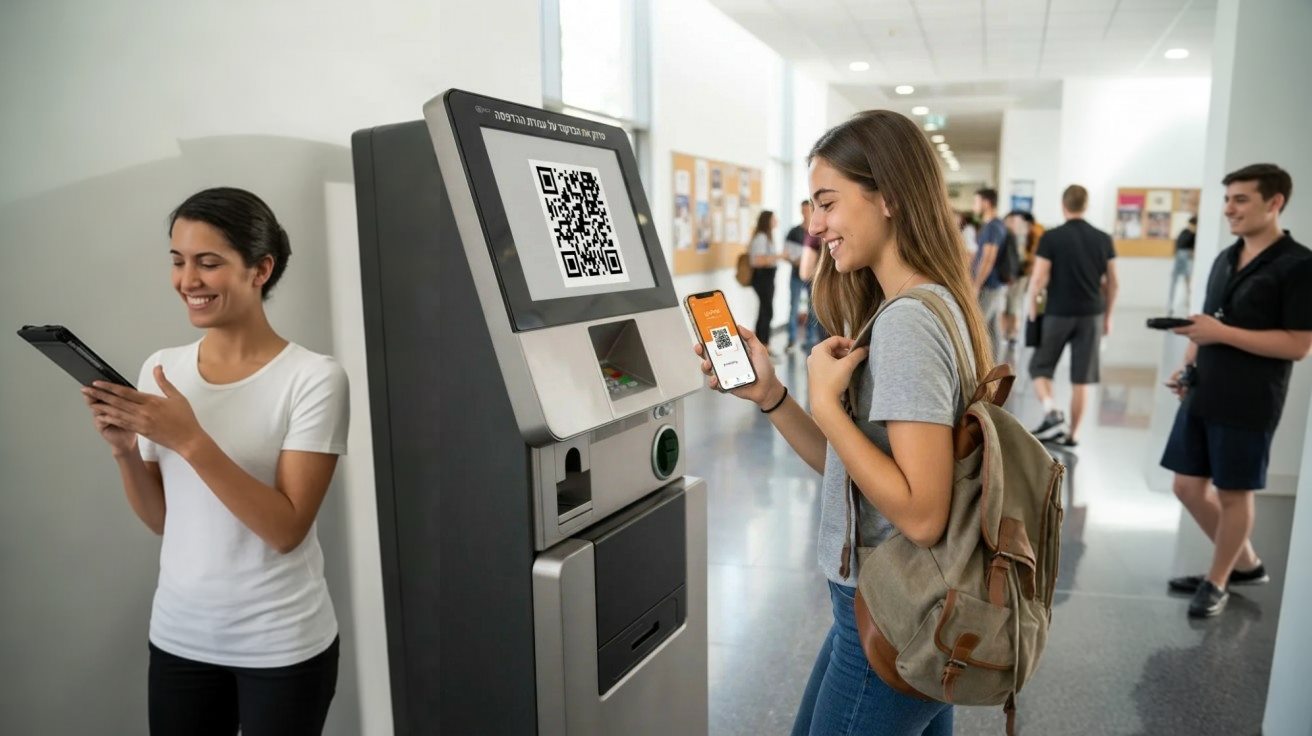
Student Printing Module
Campus · QR · Mobile
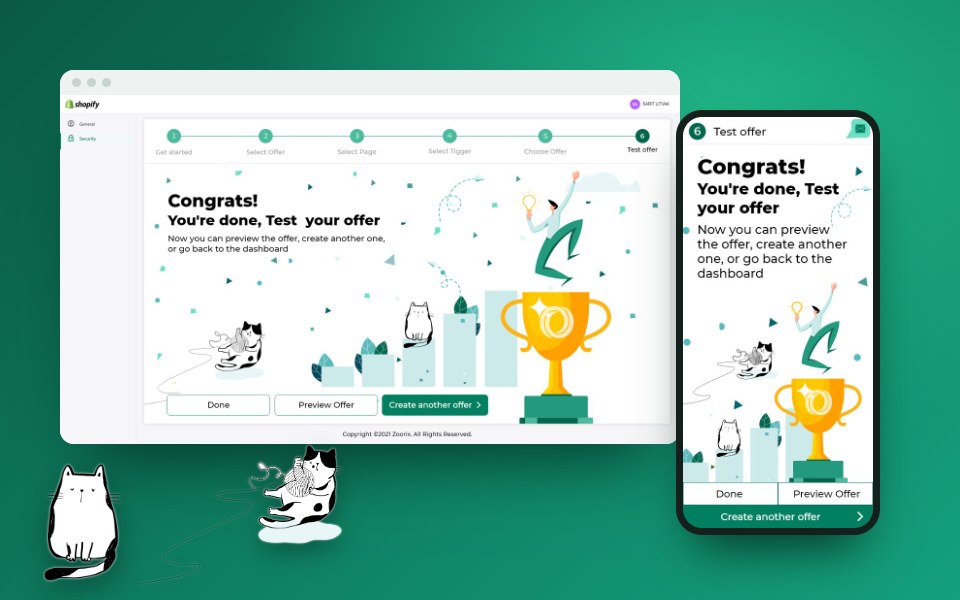
Zoorix
Onboarding · Dashboard · Web
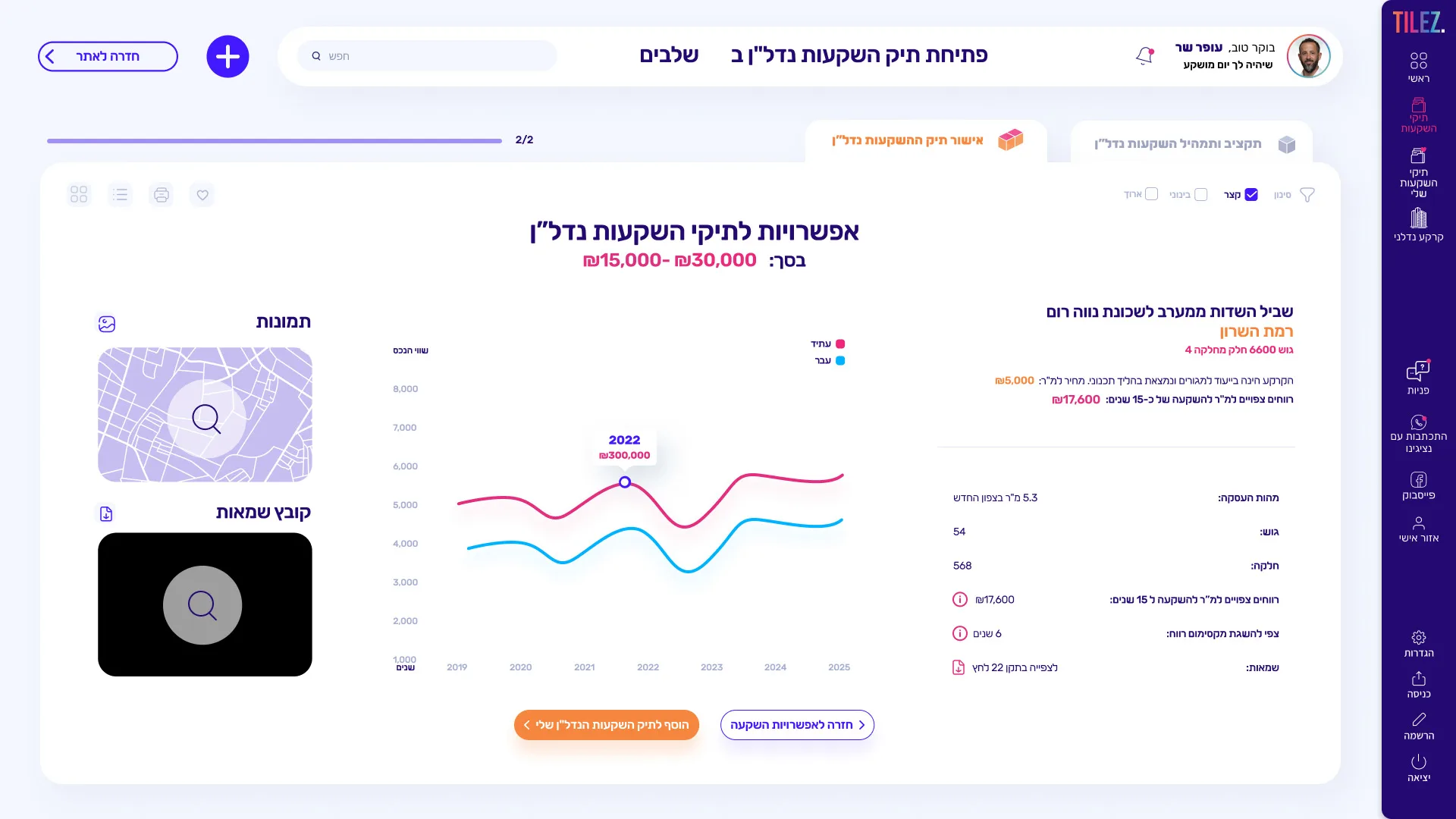
Tilez
Branding · Real estate · Website
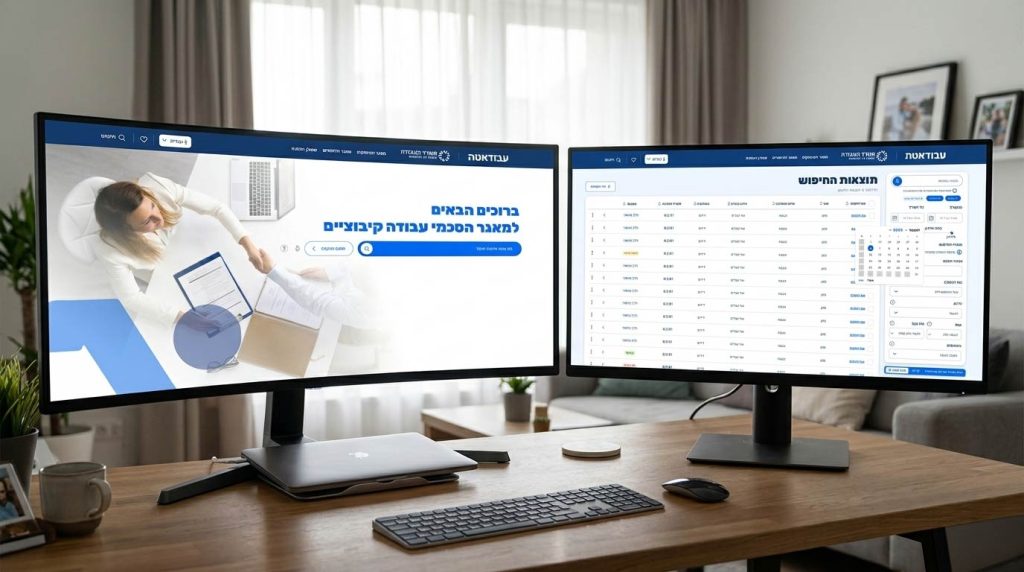
Avodata
Comparisons · Filters · Web App
Haklayit
Dashboard · Agriculture
YYY
Events · Gifts · Mobile
Insoles Questionnaire
Questionnaire · Personalization · Web
Have an idea for an app or a system?
I'd love to hear about it, map it out with you and design an experience your users will love.





 Sarit ZobelOnline · Replies soon